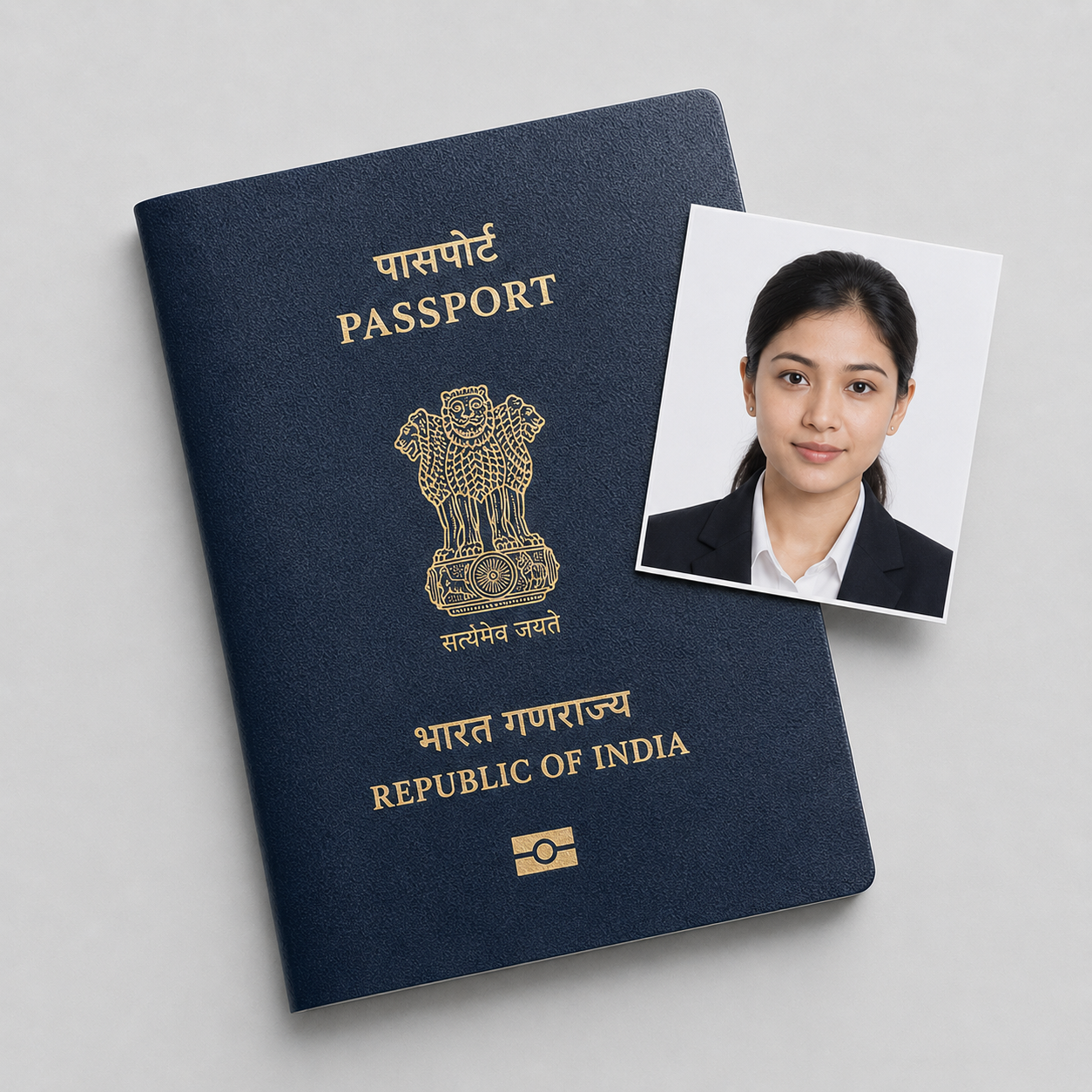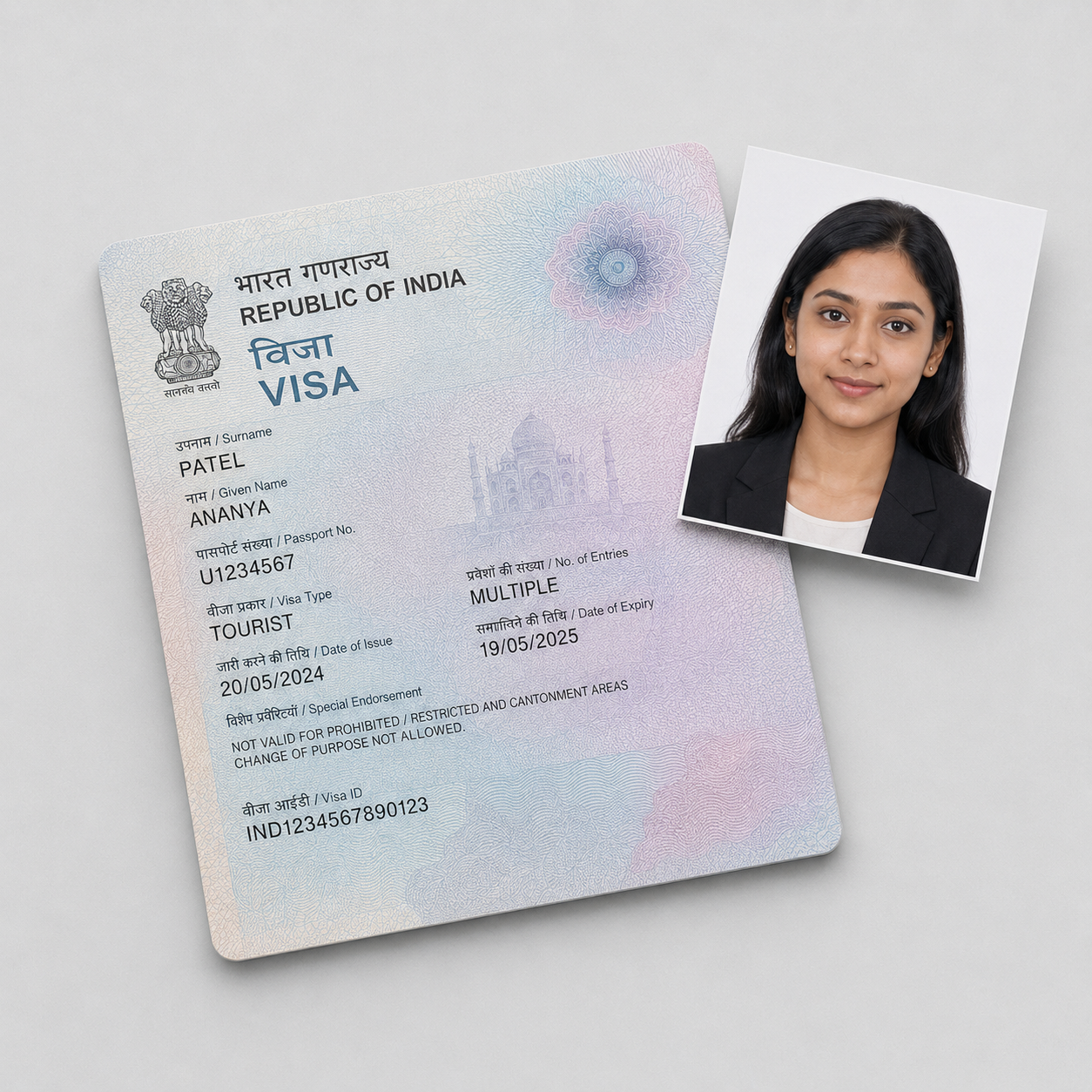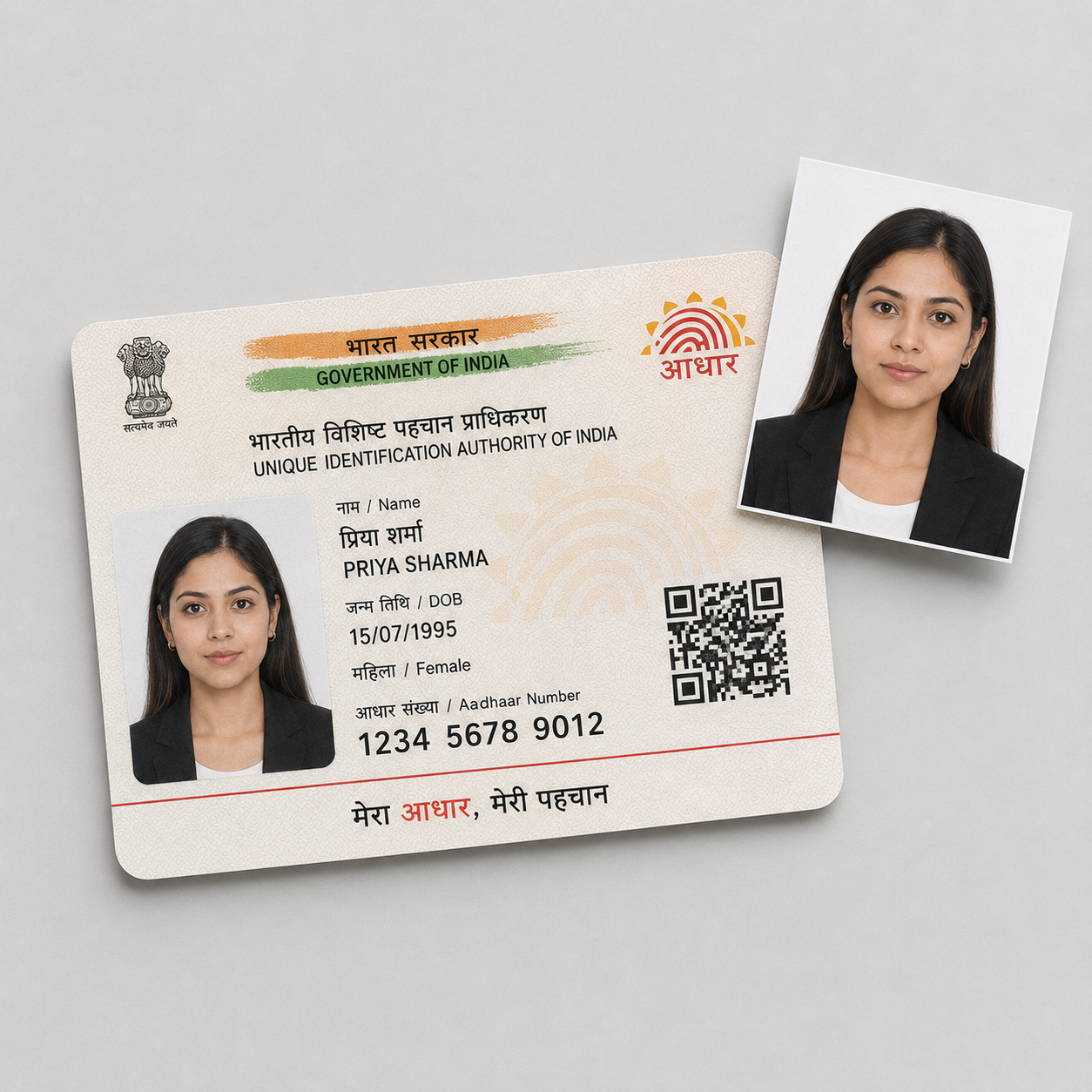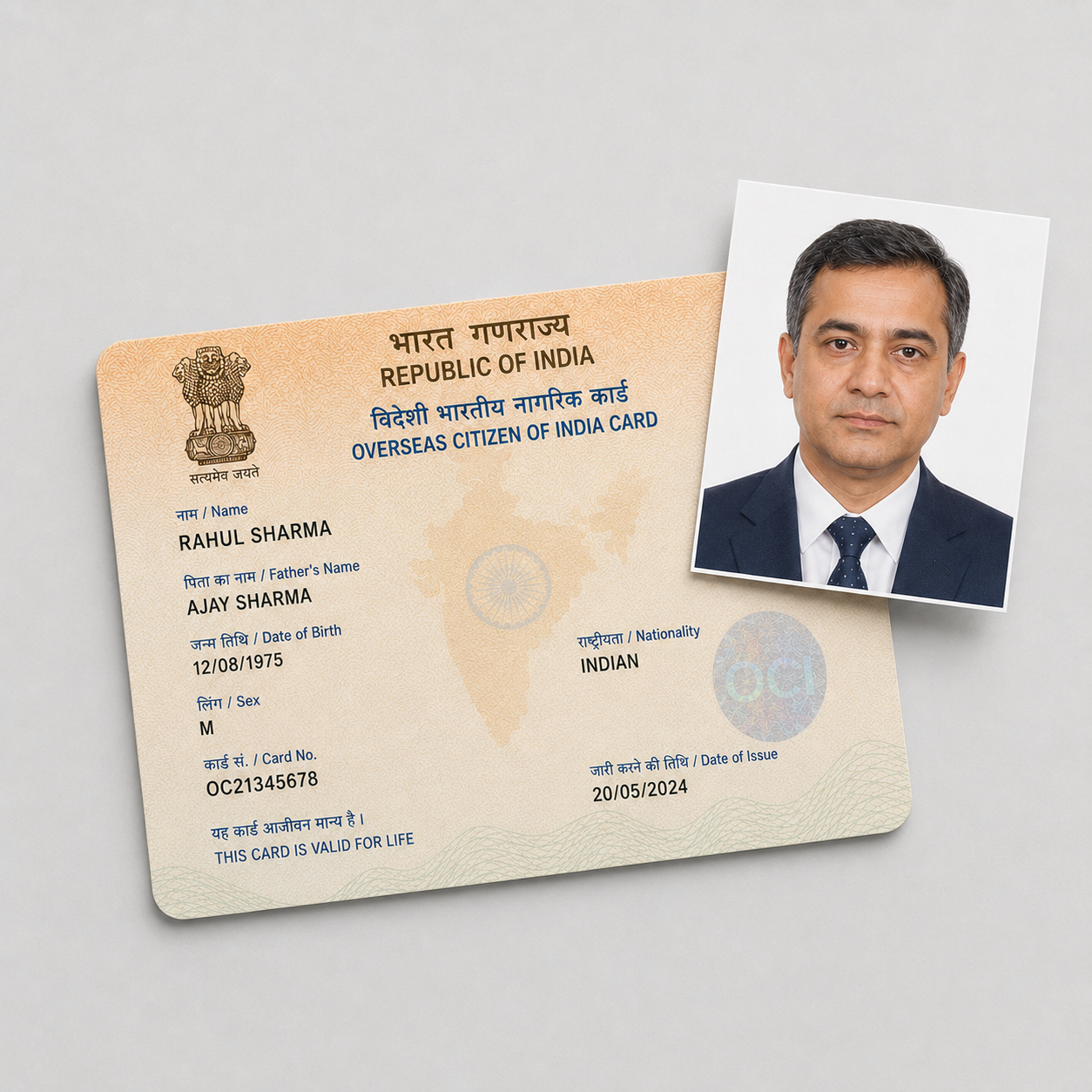
The official requirements
The PAN card photo rule changed in 2026, and the current spec catches people out:
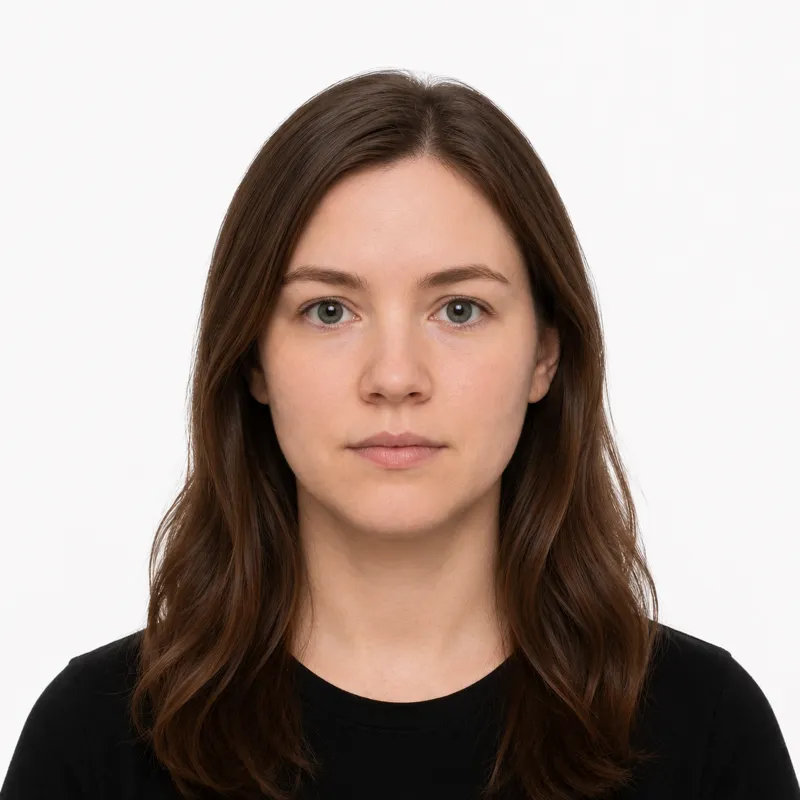
- Size: 35×45 mm (4.5 cm tall × 3.5 cm wide) — portrait, the same physical size as an Indian passport photo, under the Income-tax Rules, 2026
- Orientation: portrait — taller than it is wide
- Background: plain white
- Head size: face fills roughly 70–80% of the photo
- File: JPEG (.jpg) only
- Expression: neutral, mouth closed, both eyes open
- Glasses: allowed, with no glare
- Recency: taken within the last 6 months
Two things trip people up. First, the current 2026 paper form (Form 93) expects 4.5×3.5 cm — older channels used the smaller 3.5×2.5 cm, so check which form your channel uses. Second, the photo is portrait even though the PAN card itself is landscape like a credit card.
How to take a compliant photo
The capture is standard; the size and a separate signature are the PAN-specific points:
- Stand 6–8 feet in front of a plain white wall, far enough out to cast no shadow.
- Light yourself evenly from the front.
- Have someone else take the shot, looking straight at the camera.
- Crop to the portrait 35×45 mm frame — not landscape, not square — with the face filling 70–80%.
- Save as a JPEG. Most PAN channels also need a separate signature image, so prepare that alongside the photo.
Why photos get rejected
PAN application channels reject a predictable set of problems. Each one, and the fix:
- Wrong dimensions — the 2026 paper form expects 4.5×3.5 cm; older channels use 3.5×2.5 cm. Match your form.
- Wrong orientation — the photo is portrait. A landscape photo, copying the card’s shape, is rejected.
- Background not plain white — patterns and coloured backgrounds fail.
- Wrong file format — must be JPEG (.jpg).
- File too large for legacy upload — the older Protean DSC channel caps the photo at 20 KB and UTIITSL at ~30 KB. The 2026 paper form publishes no size cap, but legacy upload channels are strict.
- Missing signature image — every PAN channel needs a separate signature alongside the photo.
What to wear (and not wear)
There is no formal dress code, but a few choices reliably cause trouble.
Avoid: hats and non-religious head coverings, headphones, and a white or very pale top that blends into the background. Glasses are permitted — remove them if they cause glare.
Fine: ordinary everyday clothing in a solid darker color, light everyday makeup, and religious head coverings worn daily with the full face visible.
Where to get your photo
You can get a PAN card photo from a studio or produce one yourself:
| Where | Cost | Correct portrait sizing | Digital file | Notes |
|---|---|---|---|---|
| Local photo studio | varies locally | Usually — ask for PAN/passport size | Often | Confirm 4.5×3.5 cm portrait |
| Online tool (this site) | $1.00 | Yes — exact 35×45 mm portrait crop | Yes — JPEG | Set the file small for legacy uploads |
A studio that does passport photos produces the right physical size, since PAN now matches the passport photo dimension. For an online PAN application you need the JPEG — and for the legacy upload channels, a small one. Whichever you use, confirm the photo is portrait and that you also have a signature image.
Submitting your photo
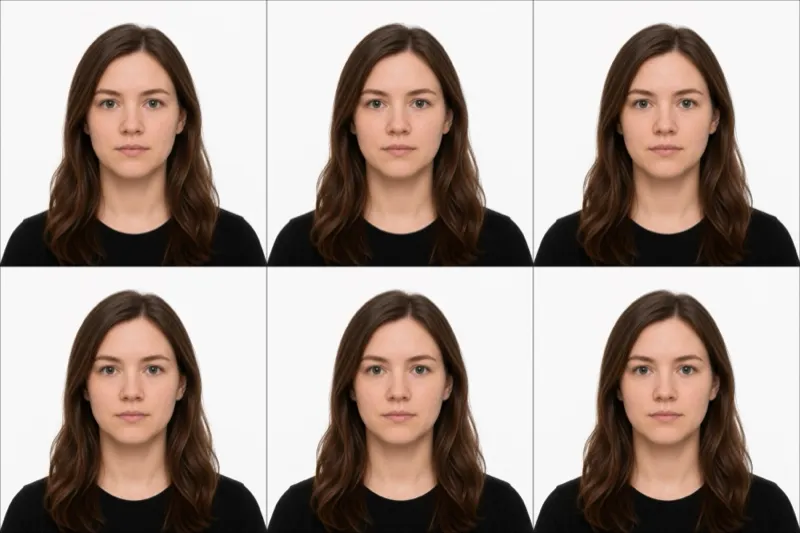
Paper application (Form 49A / Form 93) — You affix two printed 4.5×3.5 cm portrait photos to the form and sign across one of them.
Online application (Protean/NSDL or UTIITSL) — You upload the photo and a separate signature as JPEG files. The legacy DSC-based channel caps the photo at 20 KB and the signature at 10 KB; UTIITSL caps the photo at about 30 KB. Compress the files to fit before uploading.
Ready to skip the studio?
Upload a selfie and get a compliant photo in 2 minutes.
Sources & References
This guide is fact-checked against official government publications and updated regularly to reflect the latest requirements.
- [1] Income Tax Department of India — PAN application form (Annexure A)incometaxindia.gov.in