The official requirements
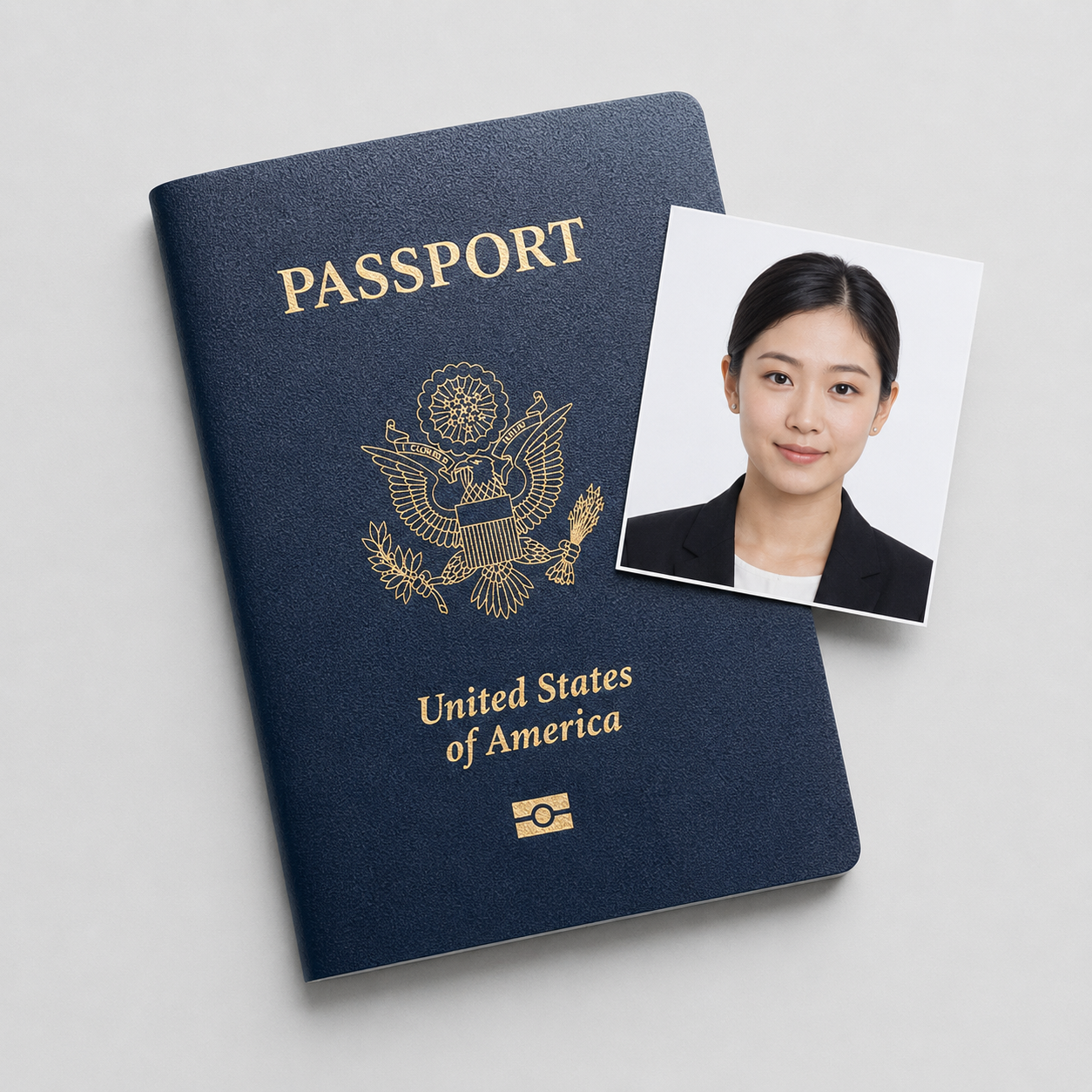
A US visa photo and a US passport photo share one spec: a 2×2 inch square, plain background, no glasses. The difference is not the photo, it is how it reaches the government. For a nonimmigrant visa you do not bring a print to a counter; you upload a digital file into the DS-160 form, and that upload is where the spec gets enforced byte by byte. Every line below is checked:
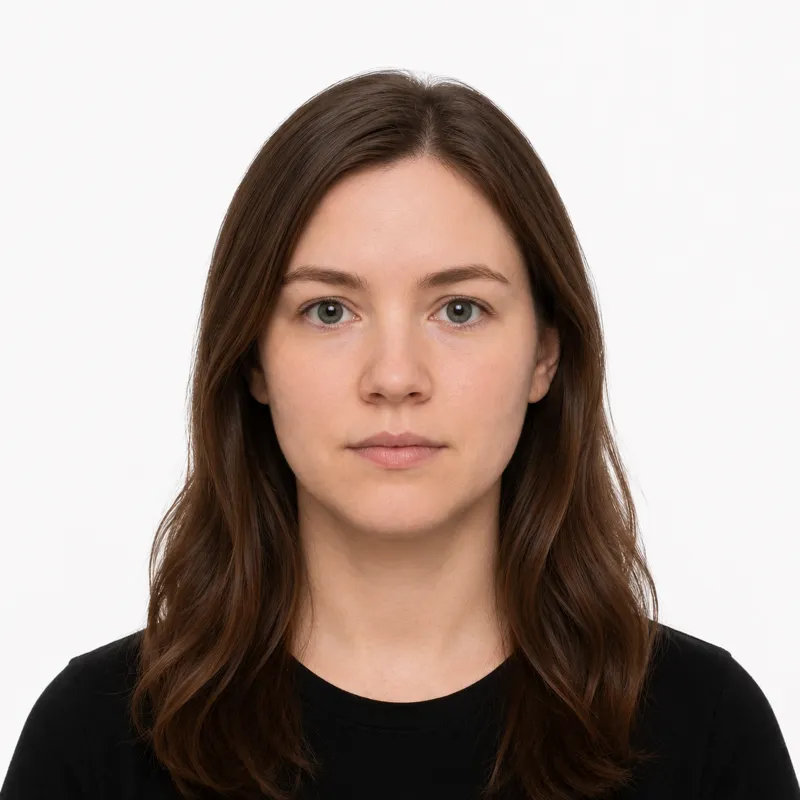
- Size: square, 2×2 inches (51×51 mm) if printed
- Digital file: JPEG, 600×600 to 1200×1200 pixels, square, 240 KB or smaller
- Background: plain white or off-white, no shadows or patterns
- Head size: 1 to 1⅜ inches (25–35 mm) from chin to crown, about 50–69% of the frame height
- Expression: neutral, both eyes open, full face to the camera
- Glasses: not allowed, the same rule the State Department applied to passports, with a narrow medical exception that needs documentation
- Recency: taken within the last 6 months
- Color: color only
Uploading into the DS-160 (the part that fails)
Most people get the photo right and still stall at the upload screen. The DS-160 photo step runs an automatic quality check before it accepts your file, and it rejects on file properties as readily as on your face.
The three upload failures we see most:
- File over 240 KB. A modern phone JPEG is often 2–4 MB. The form will not take it. Re-export at a lower quality, or run it through a cropper that targets the size cap.
- Not square, or wrong pixel count. The file must be square and at least 600×600 px. A rectangular crop straight from a phone photo is rejected on shape, not content.
- Background failed by the algorithm. A faintly grey or unevenly lit wall reads as off-white to a person but trips the automatic check.
The State Department publishes its own cropping tool at tsg.phototool.state.gov/photo that resizes a photo to the right dimensions, though it warns a consular officer still makes the final call (what that tool does well, and when not to use it). We ran a 3.1 MB phone photo through our own checker (/photo-checker/) on 2026-06-29: it flagged the file size and a head sitting at 37 mm, both of which the DS-160 quality step would have bounced before a human ever saw the photo. Fixing file size and head height before you reach the form saves a re-upload loop.
DS-160 upload vs. DS-260 printed photos
Which form you file decides whether you upload or print, and these are genuinely different submission rules.
Nonimmigrant visa (DS-160)
Tourist, business, student, and work visas go through the DS-160. You upload the digital photo as part of the form. Some embassies still ask you to bring one printed 2×2 photo to the interview as a backup, so check your specific embassy’s instructions and print a spare.
Immigrant visa (DS-260)
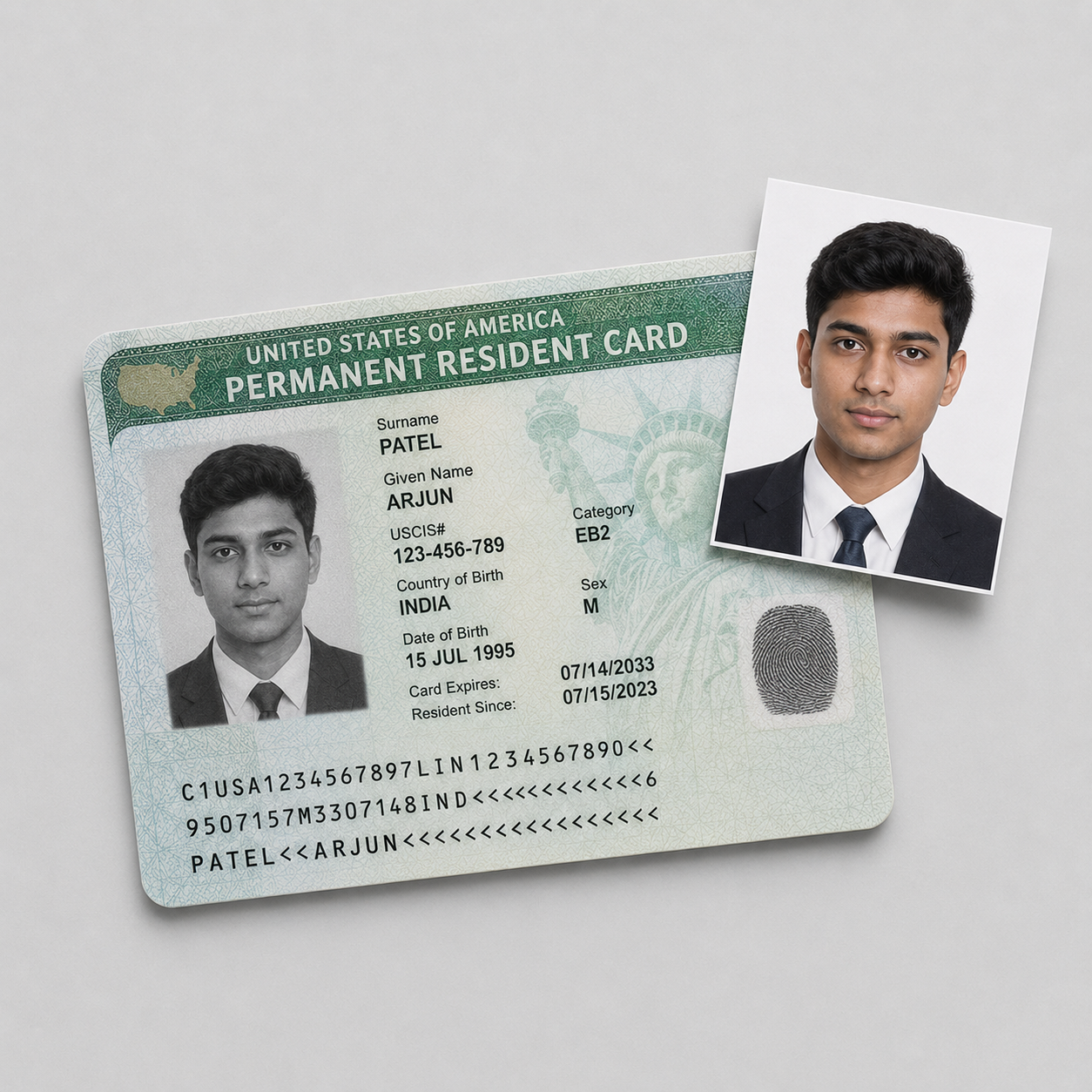
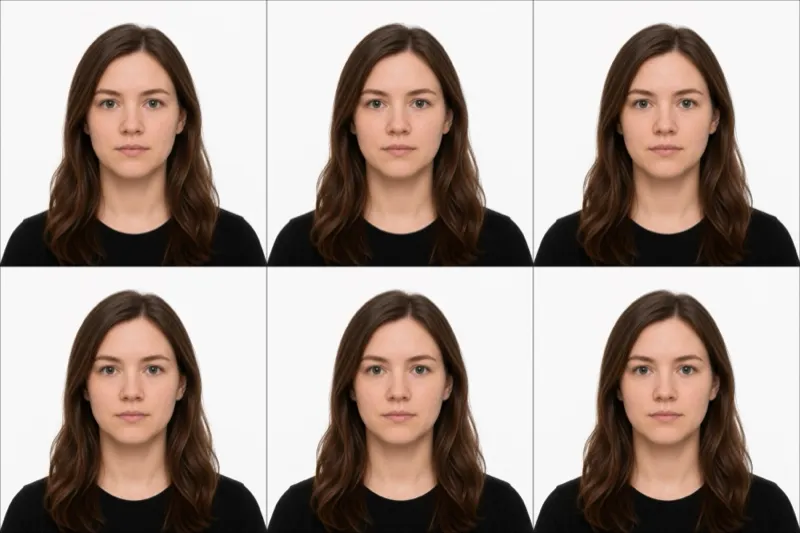
Green-card-track applicants file the DS-260 and submit two identical printed 2×2 inch photos on photo-quality paper, not a digital upload. This is the same physical format as a passport print, two copies.
The practical upshot: a nonimmigrant applicant needs a 240 KB JPEG, an immigrant applicant needs two prints, and one well-made photo can produce both a compliant file and a print sheet.
The same photo works for the DV lottery entry
The Diversity Visa lottery (the green card lottery) uses the identical digital photo spec: JPEG, square, 600×600 pixels, 240 KB or smaller. If you are entering the DV lottery and expect to apply for the visa if selected, the photo you make now carries through both steps. One caveat that catches repeat entrants: the lottery rules forbid reusing a photo from a previous entry, so the recency rule still binds even though the dimensions match. Make a fresh photo each cycle.
Why visa photos get rejected
Visa photos fail at two gates, the DS-160 upload check and the consular officer at the interview, and they bounce on a predictable set. Each problem and its fix:
- File too large: over 240 KB will not upload. Re-export smaller.
- Glasses left on: an automatic rejection unless you have a medical letter. Take them off, even prescription.
- Head out of range: must be 25–35 mm chin to crown. Officers re-measure at the interview. Re-crop or re-shoot.
- Background not truly white: a cream or grey wall fails the algorithm. Use a white wall or replace the background.
- Photo older than 6 months: it must show your current appearance. Reusing an old or previous-entry photo is rejected.
- Not square, or low resolution: the file must be square and at least 600×600 px.
Where to get a US visa photo
Because the visa photo is the same 2×2 format as a passport photo, every passport-photo service produces a compliant visa photo. The catch is the DS-160 digital file: pharmacies hand you prints, but the form wants a JPEG under 240 KB, so favor an option that gives you both.
| Where | Price | Digital DS-160 file | Notes |
|---|---|---|---|
| CVS Photo | ~$16.99 | Sometimes, on request | In-store prints, same-day |
| Walgreens | ~$14.99 | Sometimes, on request | In-store prints, same-day |
| Photo studio | ~$25.00 | Yes | Appointment required |
| Online tool (this site) | $1.00, or $5 with the print sheet | Yes, sized for DS-160 | Outputs the 240 KB JPEG; the print sheet comes with the $5 pack. Money-back if rejected |
If you are filing the DS-160, the digital file is the deliverable that matters; a print alone leaves you re-scanning and resizing to clear the upload check.
Frequently asked questions
Can I use my passport photo for the visa? Yes, if it meets the 2×2 spec and was taken within the last 6 months. The requirements are identical. For the DS-160 you still need it as a digital JPEG under 240 KB, not just a print.
Do I upload the photo or bring it to the interview? For a nonimmigrant visa (DS-160) you upload it into the form. Some embassies also ask for one printed copy at the interview, so bring a spare 2×2 print. For an immigrant visa (DS-260) you submit two printed photos, no upload.
Why does my photo keep failing the DS-160 upload? Almost always file size or shape, not your face. Phone photos run several megabytes; the form caps the file at 240 KB and requires a square image of at least 600×600 pixels. Resize before uploading.
Can the embassy reject a photo the form accepted? Yes. The DS-160 check is automatic, but a consular officer makes the final decision and can re-measure your head size or flag the background at the interview.
Are glasses ever allowed? No, not in new visa photos, with a narrow exception for a medical reason you cannot remove glasses for, which requires a signed statement. Take them off otherwise.
Ready to skip the studio?
Upload a selfie and get a compliant photo in 2 minutes.
Sources & References
This guide is fact-checked against official government publications and updated regularly to reflect the latest requirements.
- [1] US Department of State — Digital Visa Photo Requirementstravel.state.gov
- [2] US Department of State — Photo Cropping Tooltsg.phototool.state.gov