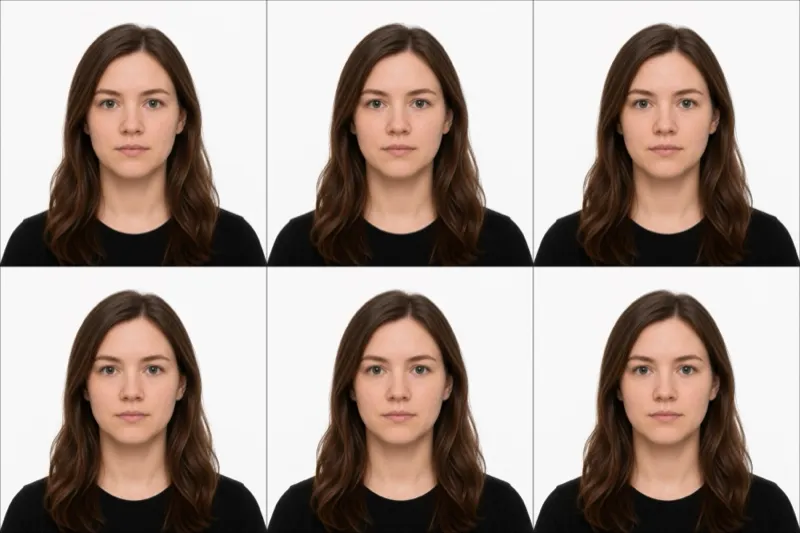
The official requirements
For an Aadhaar photo the one number that matters most is the file size: the myAadhaar / SSUP online portal rejects any JPEG over 50 KB. The full spec:
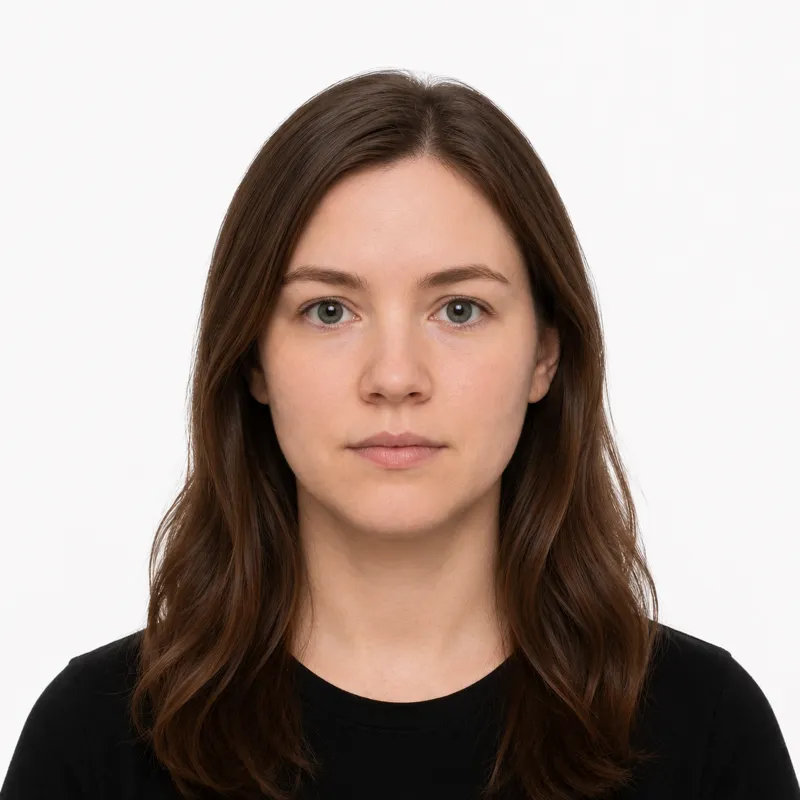
- Size: 35×45 mm for a printed photo, ~350×450 pixels digital (up to 480×640)
- File: JPEG, 50 KB maximum
- Background: plain white
- Head size: face fills 50–70% of the photo height
- Expression: neutral, mouth closed, both eyes open
- Glasses: allowed, as long as there is no glare and the eyes are clearly visible
- Recency: taken within the last 6 months
A normal phone photo is several megabytes — far over 50 KB — so the real task is producing a compliant photo that is also small enough to upload.
How to take a compliant photo
The capture is standard; the compression at the end is the Aadhaar-specific step:
- Stand 6–8 feet in front of a plain white wall, far enough out to cast no shadow.
- Light yourself evenly from the front — face a window.
- Have someone else take the shot, looking straight at the camera.
- Crop to a 35×45 mm frame with the face at 50–70% of the height.
- Compress the JPEG to under 50 KB. Resize to roughly 350×450 px first, then save at reduced JPEG quality — or use a tool that crops and exports an under-50 KB file in one step.
Why photos get rejected
The myAadhaar portal and enrolment operators bounce a predictable set of problems. Each one, and the fix:
- File over 50 KB — the single most common failure. Resize and re-compress the JPEG.
- Wrong size — must be 35×45 mm physical, ~350×450 px digital.
- Background not plain white — any tint or pattern fails.
- Head too large or too small — the face must be 50–70% of the photo height.
- Glasses glare — glasses are allowed, but reflection hiding the eyes is rejected.
- Expression not neutral — no smiling, mouth closed.
- Face not clearly visible — biometric capture needs sharp facial features.
What to wear (and not wear)
There is no formal dress code, but a few choices reliably cause trouble.
Avoid: hats and non-religious head coverings, headphones, and a white or very pale top that blends into the background. Glasses are permitted — but if they reflect light, take them off.
Fine: ordinary everyday clothing in a solid darker color, light everyday makeup, and religious head coverings worn daily that leave the full face visible.
Where to get your photo
How you get an Aadhaar photo depends on whether you are enrolling for the first time or updating an existing card:
| Where | Cost | 50KB-ready file | Notes |
|---|---|---|---|
| Aadhaar Enrolment Centre | Free (photo taken on-site) | N/A — captured there | For first-time enrolment and biometric updates |
| Local photo studio | varies locally | Sometimes — ask for digital | Confirm 35×45 mm and a small file |
| Online tool (this site) | $1.00 | Yes — under-50 KB JPEG | For a photo-only online update |
For first-time enrolment the centre photographs you — you don’t supply a photo. The case where you provide your own is an online photo update, and there the 50 KB JPEG is what you need. An online tool that crops to 35×45 mm and exports under 50 KB removes the manual compression step.
Submitting your photo
Online photo update (myAadhaar / SSUP) — Where a photo update is offered online, you upload the JPEG; the portal enforces the 50 KB cap at upload. If your file is larger, it is refused outright — compress before you try.
At an Aadhaar Enrolment / Update Centre — For first-time enrolment or a biometric update, the operator captures your photo and biometrics on-site to the correct spec. You do not bring a photo.
Ready to skip the studio?
Upload a selfie and get a compliant photo in 2 minutes.
Sources & References
This guide is fact-checked against official government publications and updated regularly to reflect the latest requirements.
- [1]