CVS Passport Photo Cost 2026: $17.99 In-Store (Or $1 + from ~$0.42 DIY Print)
CVS in-store passport photo: **$17.99** for two 2×2 prints ([cvs.com](https://www.cvs.com/photo/passport-photos), verified 2026-09-19). Digital copy email: **+$3.99** at select stores. DIY: create a compliant 4×6 sheet for $1 → upload as a regular 4×6 print (not passport service) → pickup → cut. 4×6 glossy print: **from ~$0.42** ([cvs.com](https://www.cvs.com/photo/photo-prints-prodid-7201007)).
We went to a local CVS and tested the whole thing ourselves: created a 4×6 photo sheet online, uploaded it to CVS Photo, and picked up the prints. This guide shows the exact steps so you can make a compliant passport, visa, or ID photo and print it at CVS for $1 + from ~$0.42 (the 4×6 print) instead of paying $17.99 for the in-store passport photo service.
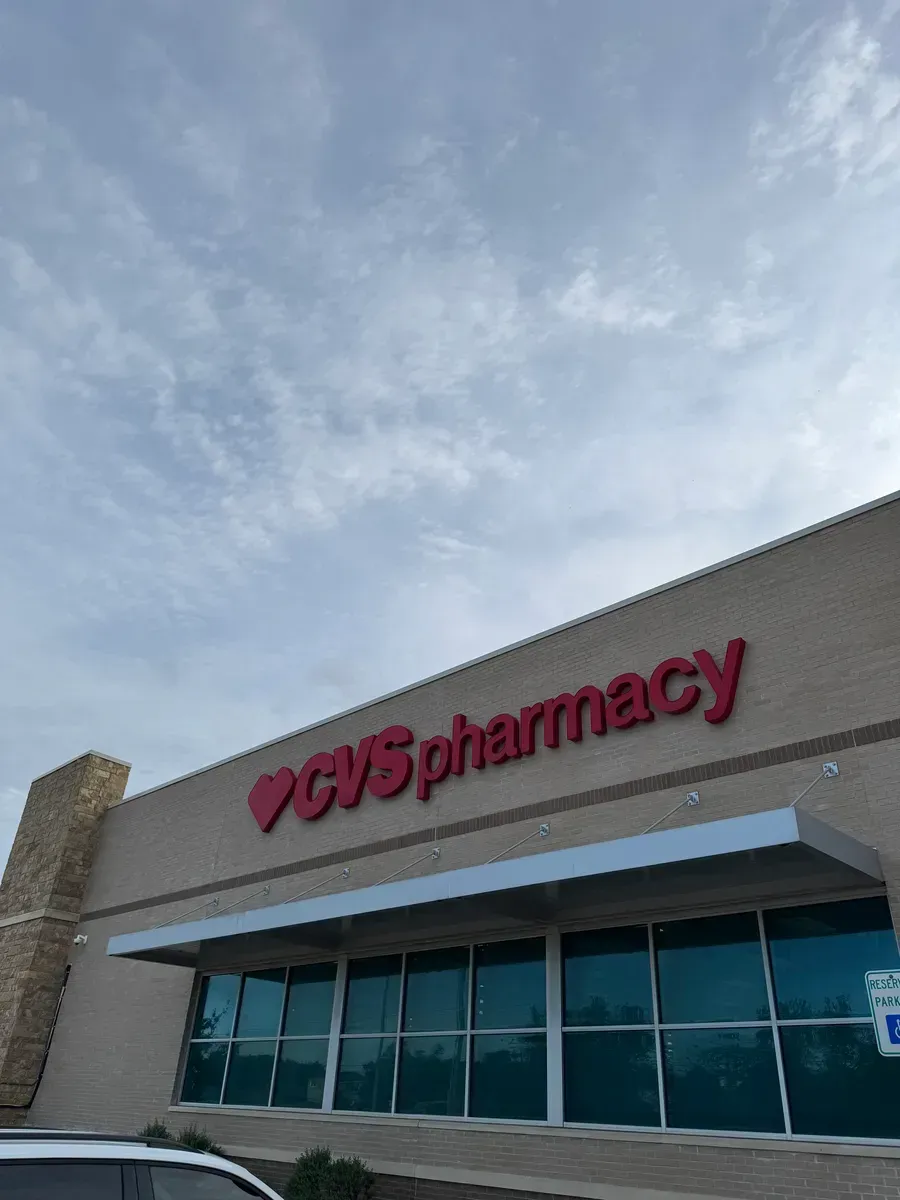
Most CVS Pharmacy locations with a Photo Center can do this. the majority of their 9,000+ US stores. Any store with a photo kiosk works, even one that doesn’t offer the passport photo service. No CVS nearby? The same method works at Walmart, usually for even less.
Why This Can Save Money
| Option | Cost | What CVS does | What you do |
|---|---|---|---|
| CVS passport photo service | $17.99 | Takes and prints the photo | Go to CVS |
| Digital copy email (select stores) | +$3.99 | Emails you the photo file | Request at counter |
| One Dollar Passport Photo + CVS 4×6 print | $1 + from ~$0.42 | Prints a regular 4×6 photo | Create the sheet online, then pick up the print |
The savings come from printing a ready-made 4x6 photo sheet as a regular photo print instead of paying for a full in-store passport photo service.
Step 1: Create Your Passport or ID Photo Sheet
First, create your photo sheet with One Dollar Passport Photo.
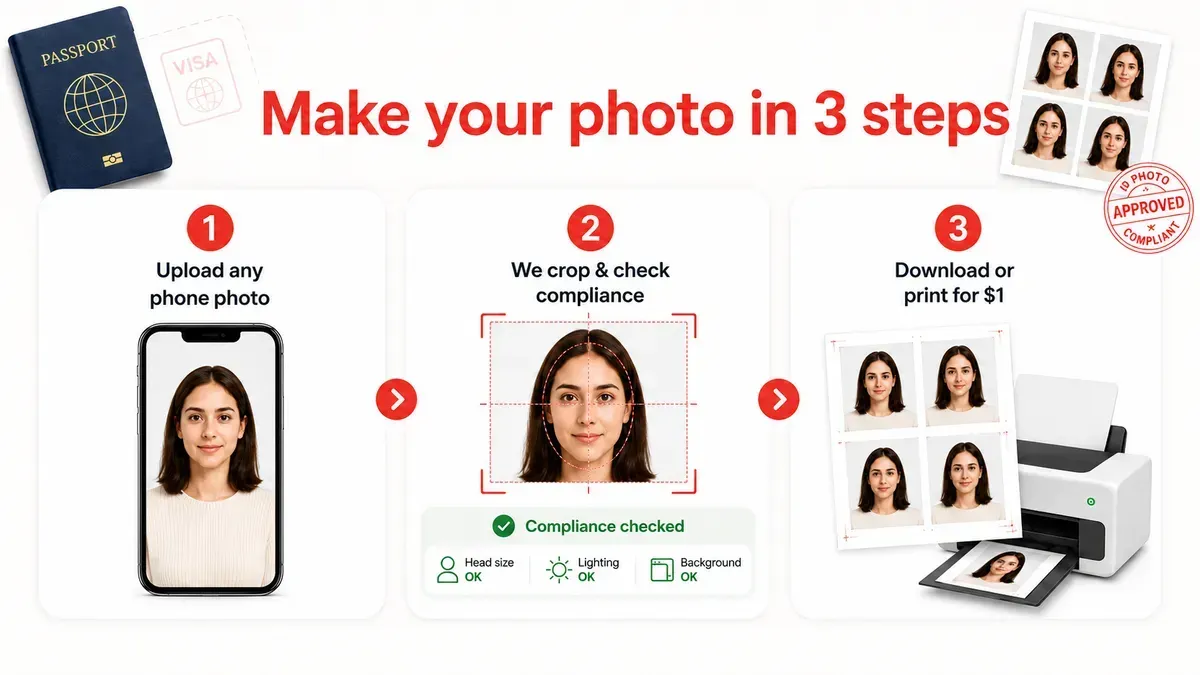
Step 2: Upload The Print Sheet to CVS as a 4x6 Photo Print
You will get a 4x6 print sheet like this from One Dollar Passport Photo.
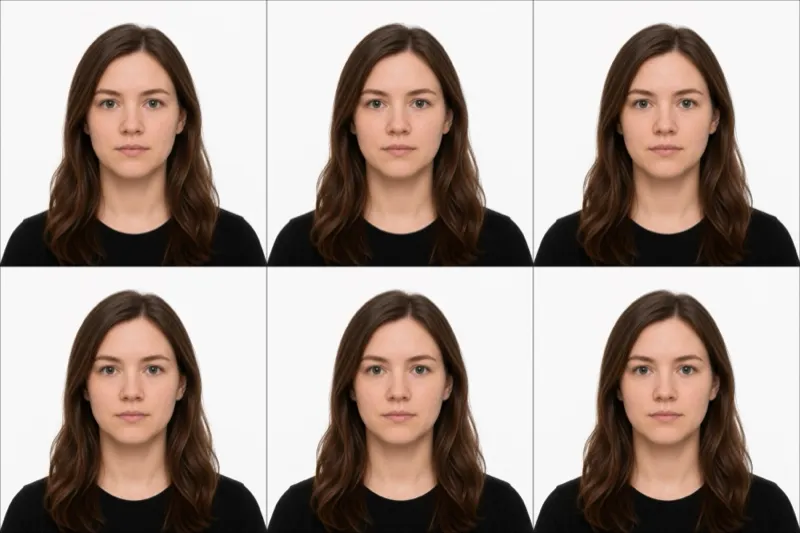
The key idea: CVS is not taking your passport or ID photo here. Your sheet is already prepared, so you’re just ordering a regular 4x6 photo print. which is what makes it cheap.
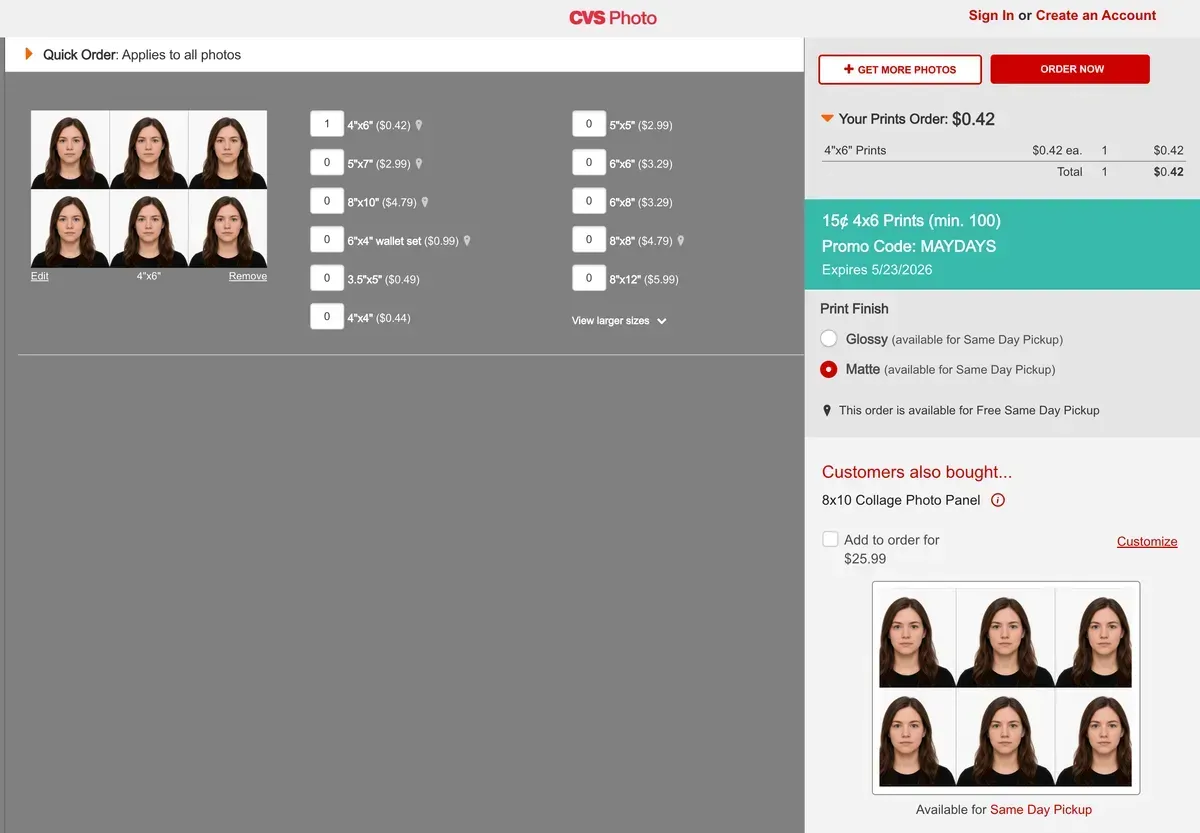
Here’s the CVS Photo website flow:
- Go to cvs.com/photo and choose Prints → 4x6 Photo Prints (the standard print product, not the “Passport Photos” service).
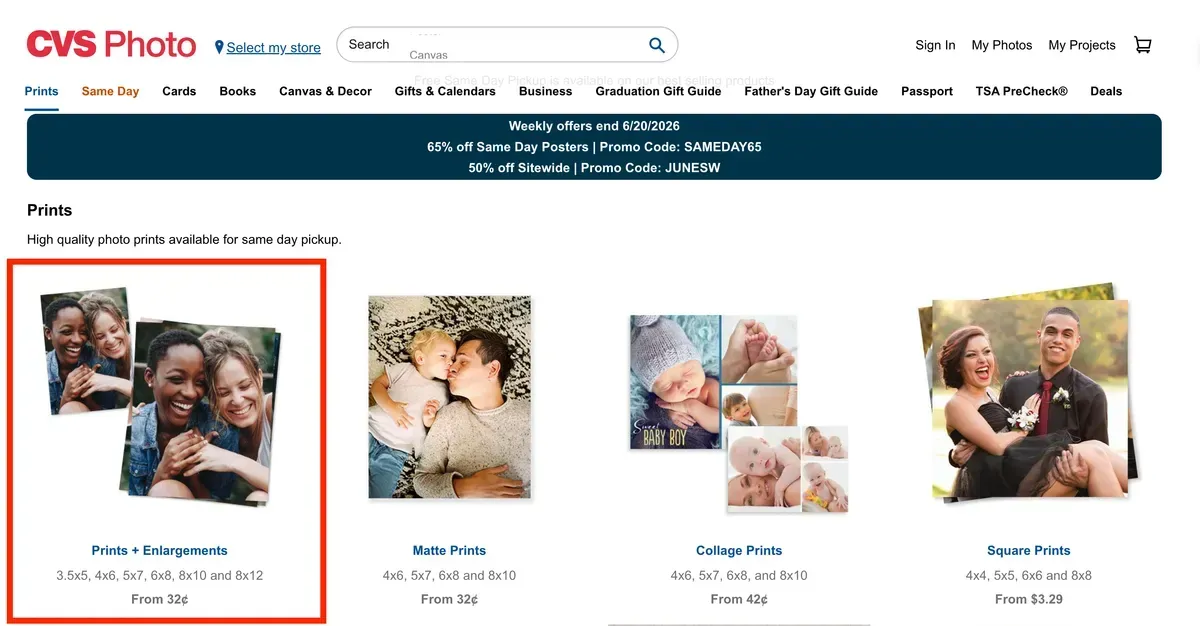
- Upload your 4x6 sheet. Pick the file you downloaded from One Dollar Passport Photo. You can upload from your phone or computer.
-
Set the order options:
- Print size: 4x6
- Quantity: 1
- Crop / zoom: turn OFF. “do not crop” or “full image”. This is the most important setting (see the Final Tip).
- Finish: glossy or matte both work for passport photos.
-
Choose pickup at your nearby CVS, or delivery if you prefer.
-
Check the preview before checkout. the entire sheet should be visible with no cropping. If CVS auto-zoomed it, fix the crop setting before paying.
Starting from ~$0.42 for the 4×6 glossy print (current pricing), this is the whole cost on the CVS side.
Step 3: Pick Up the Print
After placing the order, wait for CVS to notify you that the print is ready.
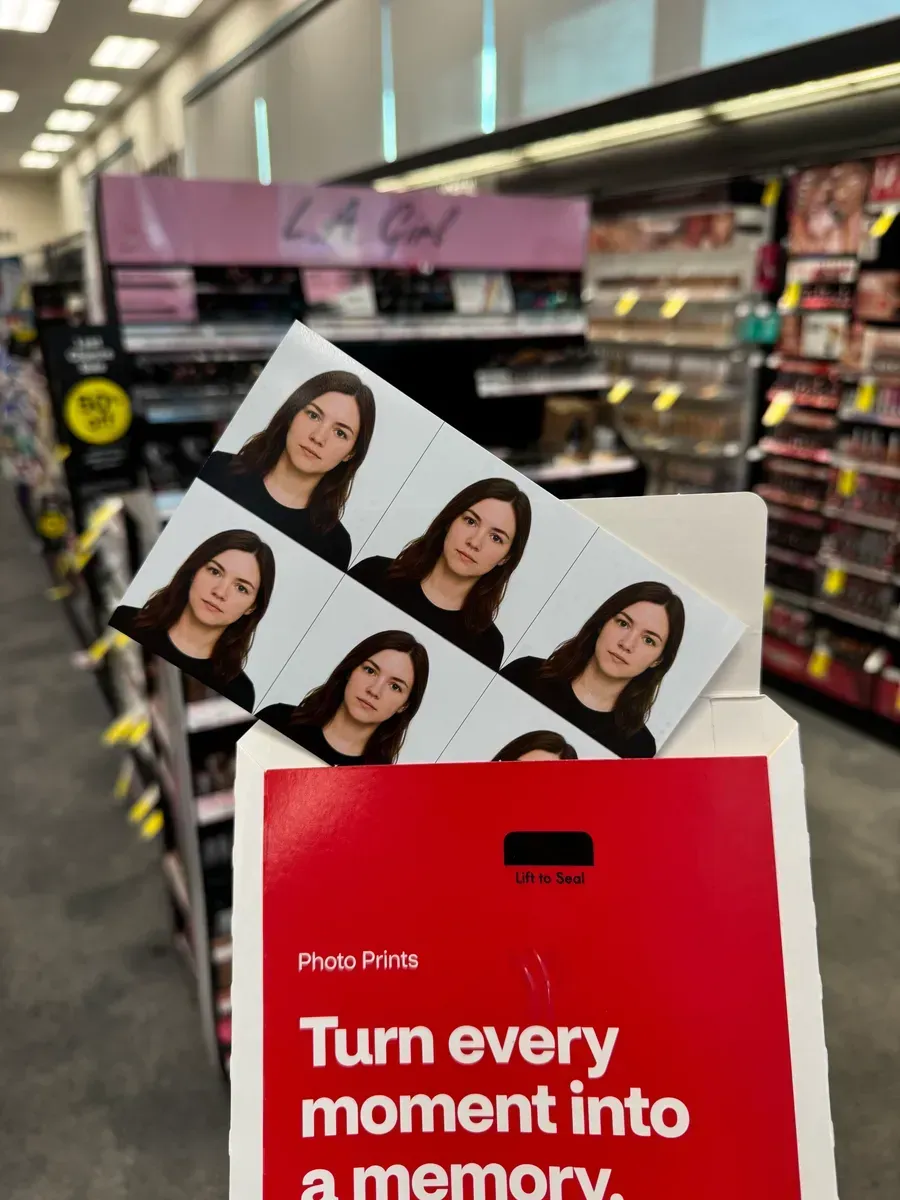
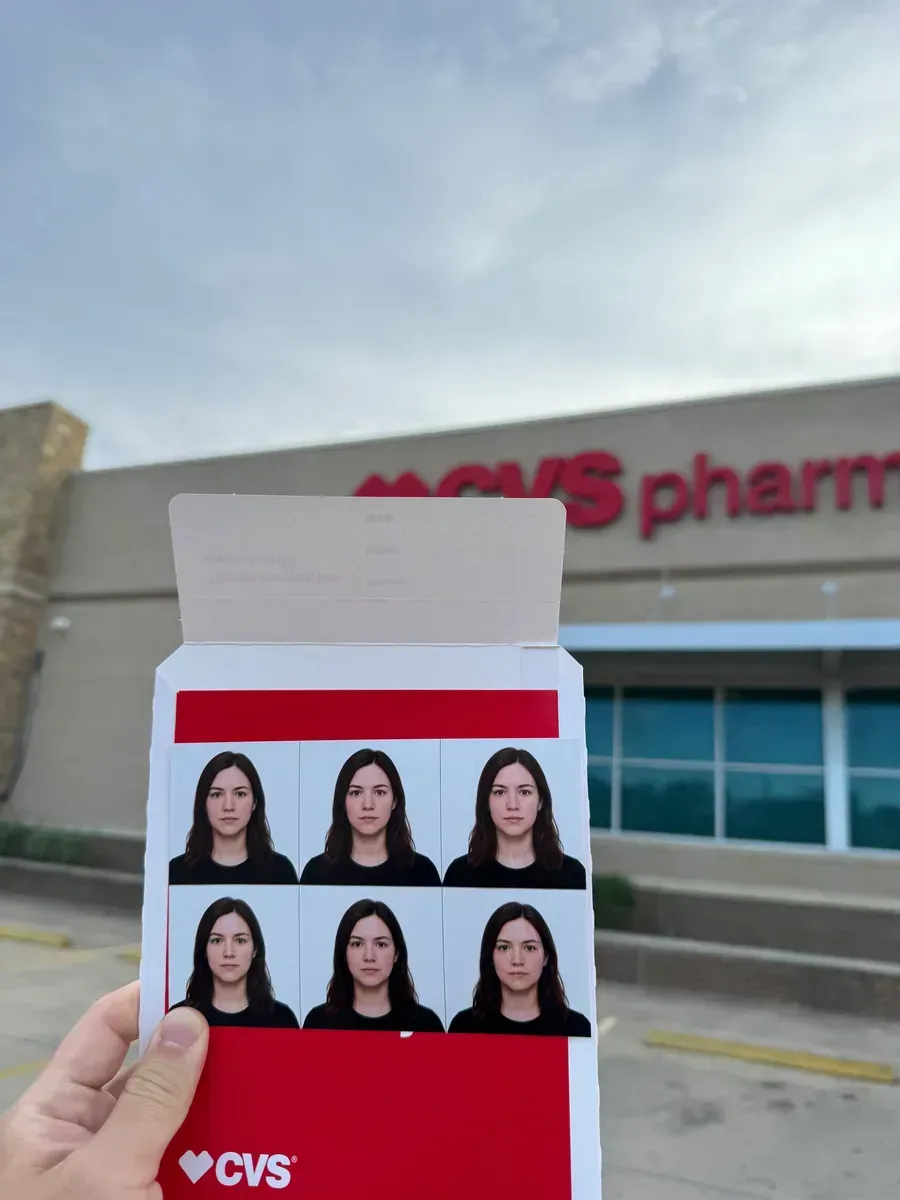
When we picked up our order, the photo came in a CVS photo envelope. Inside was the 4x6 photo sheet with multiple copies printed on it.
Step 4: Cut Out the Photos
Once you have the 4x6 print, cut out the individual photos.
Scissors work fine. A paper cutter can make the edges cleaner. Since the sheet includes multiple copies, you also have backups if one cut is not perfect.
Works for visa, ID, and other photos
The same method works for many document types. you just create the right photo size before printing. We support 143 ID photo types across 190 countries: passports, visas, green cards, national IDs, and more. Find the photo you need, download the 4×6 sheet, and print it at CVS the same way.
Final Tip
The most important step is to avoid cropping. The 4x6 sheet is already sized for printing. If CVS crops or zooms it, the final photo size may be incorrect.
In short:
- Create a 4x6 passport, visa, or ID photo sheet
- Print it at CVS as a regular 4x6 photo
- Pick it up
- Cut out the photos
This is a simple way to turn a digital photo sheet into printed document photos at CVS.
Frequently Asked Questions
Is this the same as CVS passport photo service?
No. CVS passport photo service means CVS takes and prints the photo for you. In this guide, you create the photo sheet online first, then CVS only prints it as a regular 4x6 photo.
Can I use this for visa or ID photos?
Yes. The same workflow can work for visa, ID, green card, and other document photos, as long as you choose the correct photo size before creating the sheet.
What size should I print at CVS?
For this method, choose a regular 4x6 photo print. The passport or ID photos are already arranged inside the 4x6 sheet.
Need photos for less?
If you have a phone, you can create the same compliant photo for $1 and print it at a CVS kiosk from ~$0.42 each.
Try the $1 phone workflowIf you'd rather have someone else handle it, $17.99 at the CVS counter is fine.