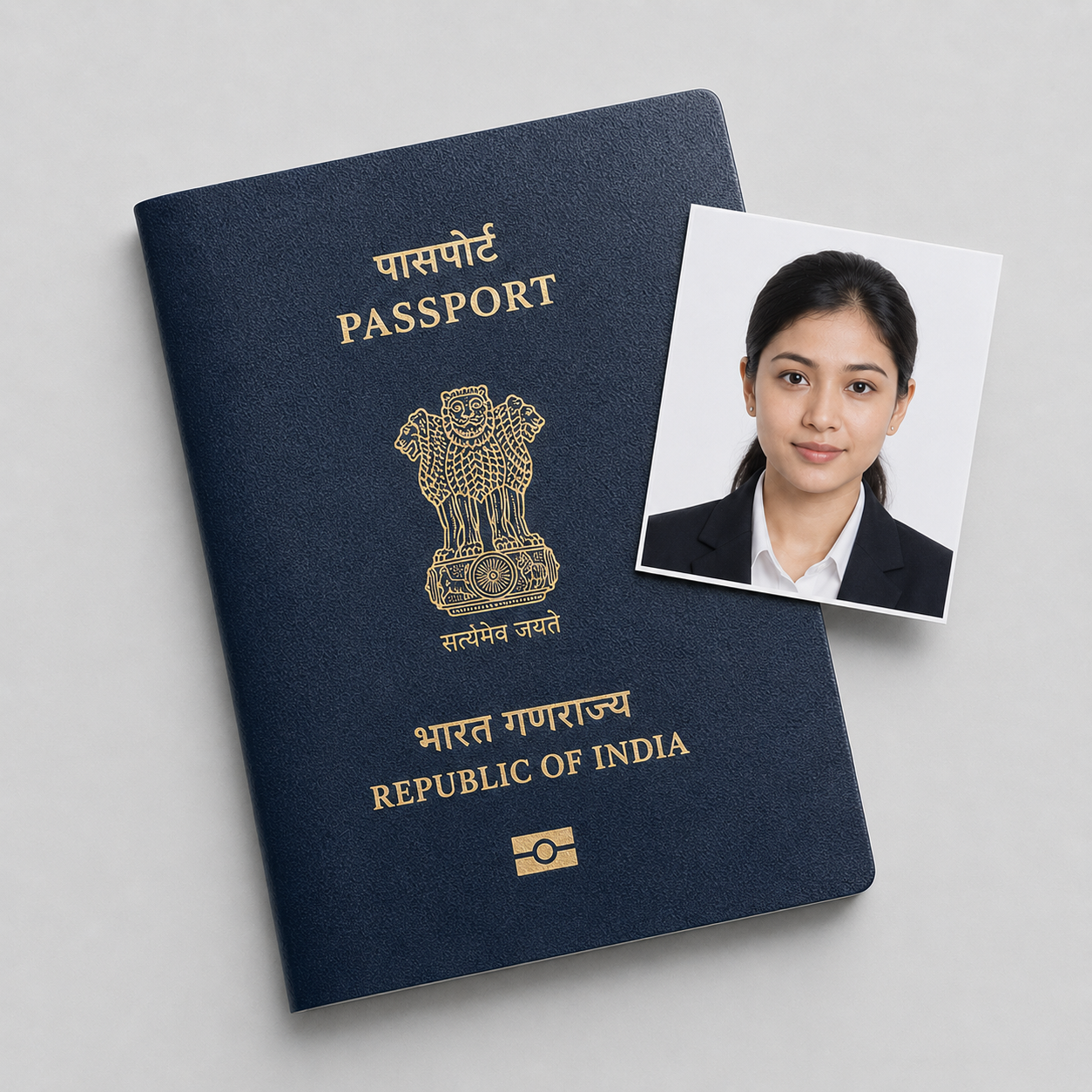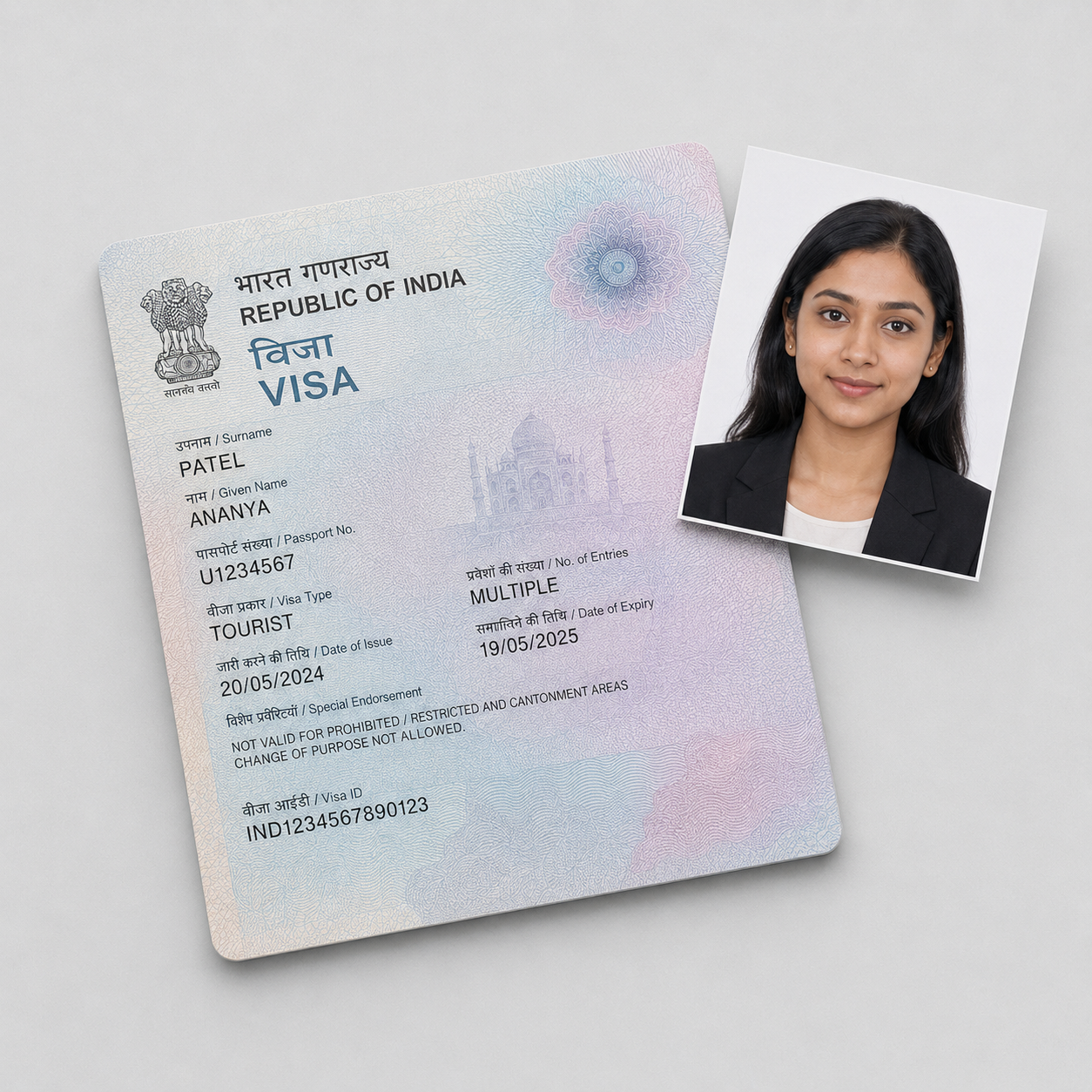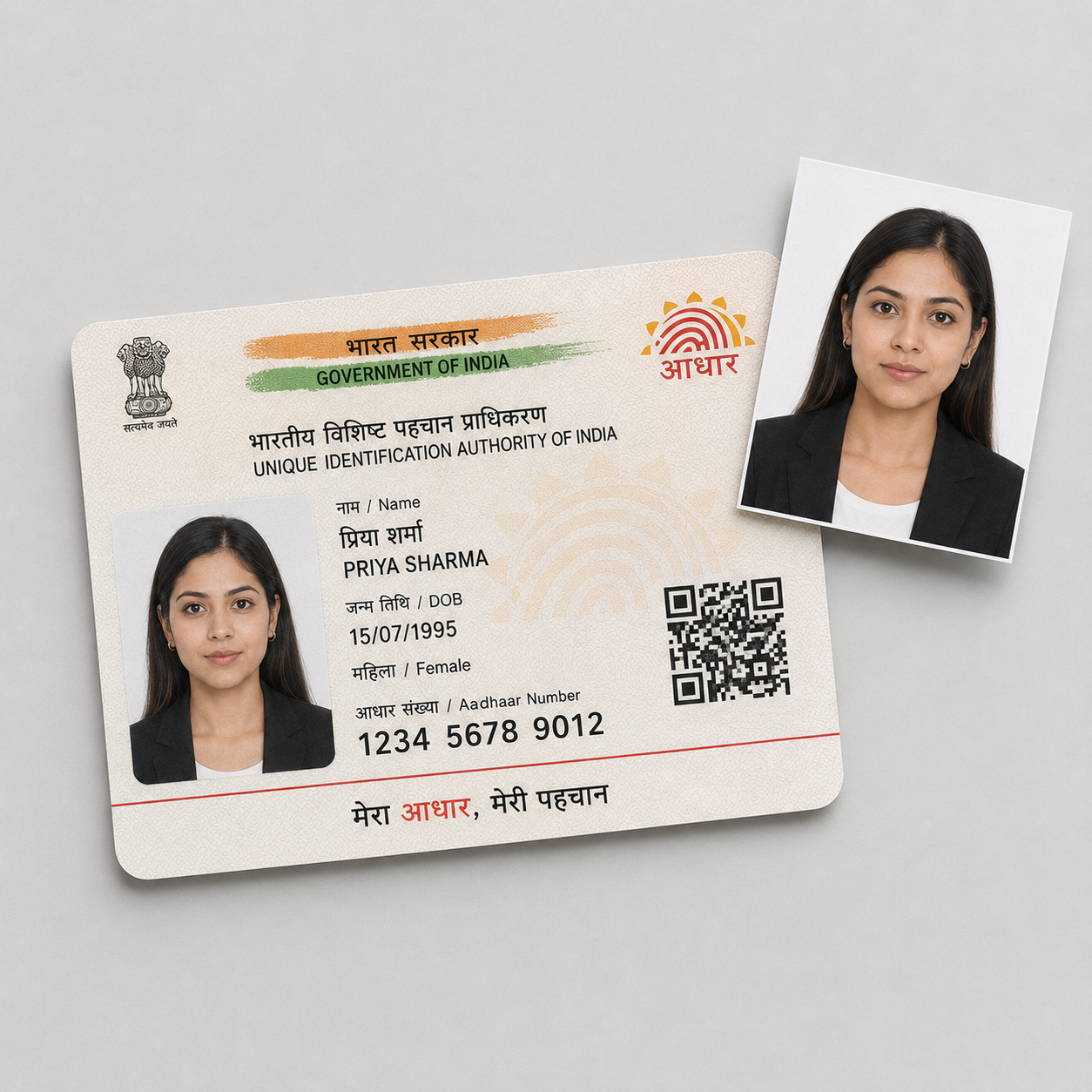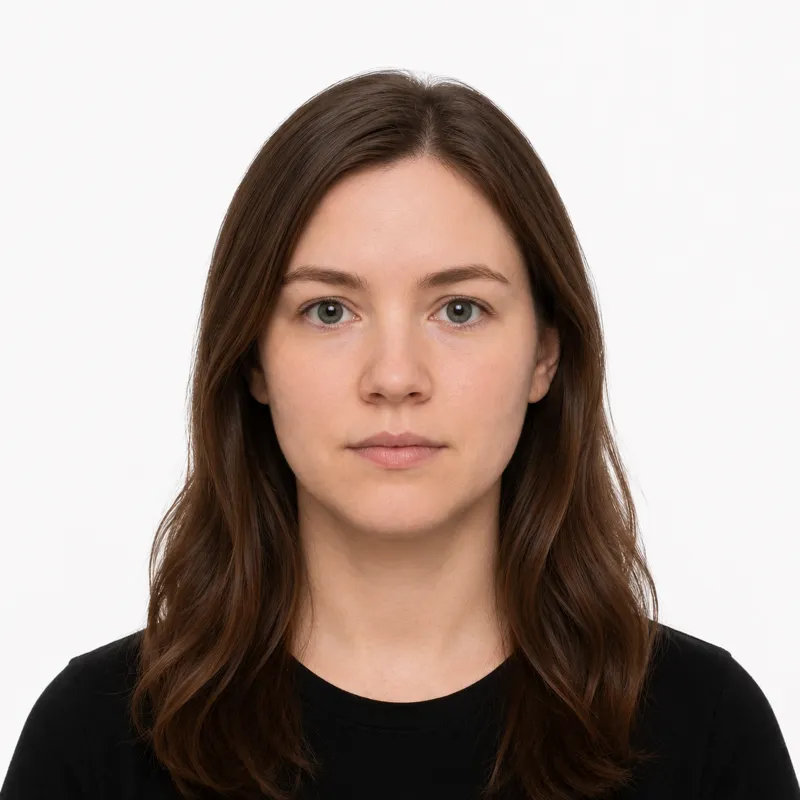
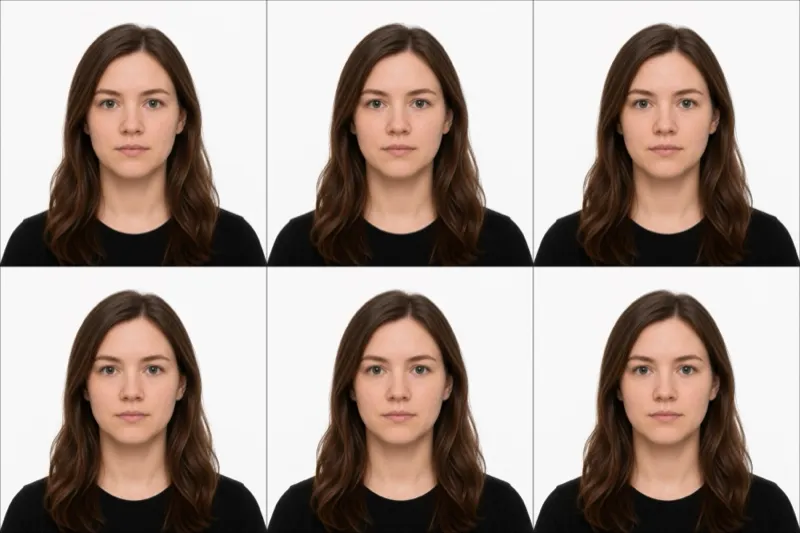
The official requirements
An OCI (Overseas Citizen of India) card photo is a 51×51 mm (2×2 inch) square — the same shape as a US passport photo, not the 35×45 mm portrait used for an Indian passport. The full spec:
- Size: exactly 51×51 mm (2×2 inch), square
- Background: plain light-coloured — the official OCI spec asks for a light background, not strictly pure white; plain white is widely accepted
- Head size: face covers roughly 80% of the frame
- File: JPEG, 200 KB maximum, up to 900×900 pixels
- Expression: neutral, mouth closed, both eyes open
- Glasses: not allowed
- Recency: taken within the last 6 months
The 200 KB cap is specific — some third-party guides quote 300 KB, but the ociservices.gov.in upload limit is 200 KB.
How to take a compliant photo
The capture is standard; the square crop and the large head size are the OCI-specific points:
- Stand 6–8 feet in front of a plain light or white wall, far enough out to cast no shadow.
- Light yourself evenly from the front.
- Have someone else take the shot, looking straight at the camera.
- Crop to the square 51×51 mm frame — a 35×45 mm passport crop is the wrong shape. The face should fill about 80% of the frame, larger than a standard passport headshot.
- Export a JPEG under 200 KB — or use a tool that crops to 2×2 inches and exports inside the size cap.
Why photos get rejected
OCI applications bounce a predictable set of problems. Each one, and the fix:
- Wrong size — must be exactly 51×51 mm square. A 35×45 mm passport photo will not work.
- File over 200 KB — the upload limit is 200 KB, not 300. Re-compress.
- Wrong background — must be a plain light-coloured background; dark or patterned backgrounds, or heavy shadows, are rejected.
- Glasses worn — not permitted in OCI photos. Take them off.
- Head too small — the face must fill roughly 80% of the frame.
- Expression not neutral — no smiling, mouth closed.
- Photo too old — must be within the last 6 months.
What to wear (and not wear)
There is no formal dress code, but a few choices reliably cause trouble.
Avoid: glasses of any kind, hats and non-religious head coverings, and headphones. Because the background is light, a white or very pale top can blend into it — wear a darker, solid color.
Fine: ordinary everyday clothing, light everyday makeup, and religious head coverings worn daily with the full face visible.
Where to get your photo
OCI applicants are usually outside India, so the practical options are a local studio or an online tool:
| Where | Cost | 51×51mm square sizing | Digital file | Notes |
|---|---|---|---|---|
| Local photo studio | varies locally | Ask for “2×2 inch / US passport size” | Often | Confirm the square shape |
| Online tool (this site) | $1.00 | Yes — exact 51×51 mm crop | Yes — under 200 KB | One step to a compliant file |
Because the OCI photo matches the US 2×2 inch size, a studio abroad that does US passport photos will produce the right shape — ask for “2×2 inch”, not “Indian passport size”, which is the different 35×45 mm. An online tool crops to 51×51 mm and exports an under-200 KB file directly.
Submitting your photo
OCI card applications are filed online through the OCI Services portal, then completed at an Indian Mission, Post, or FRRO.
Online application — You upload the photo as a JPEG (square, up to 900×900 px, 200 KB maximum). A file over the cap is refused at upload.
At the Mission / FRRO — Bring printed copies of the same 51×51 mm photo to your appointment, as the office may attach one to the physical file.
Ready to skip the studio?
Upload a selfie and get a compliant photo in 2 minutes.
Sources & References
This guide is fact-checked against official government publications and updated regularly to reflect the latest requirements.
- [1] OCI Services — Photo Specificationociservices.gov.in