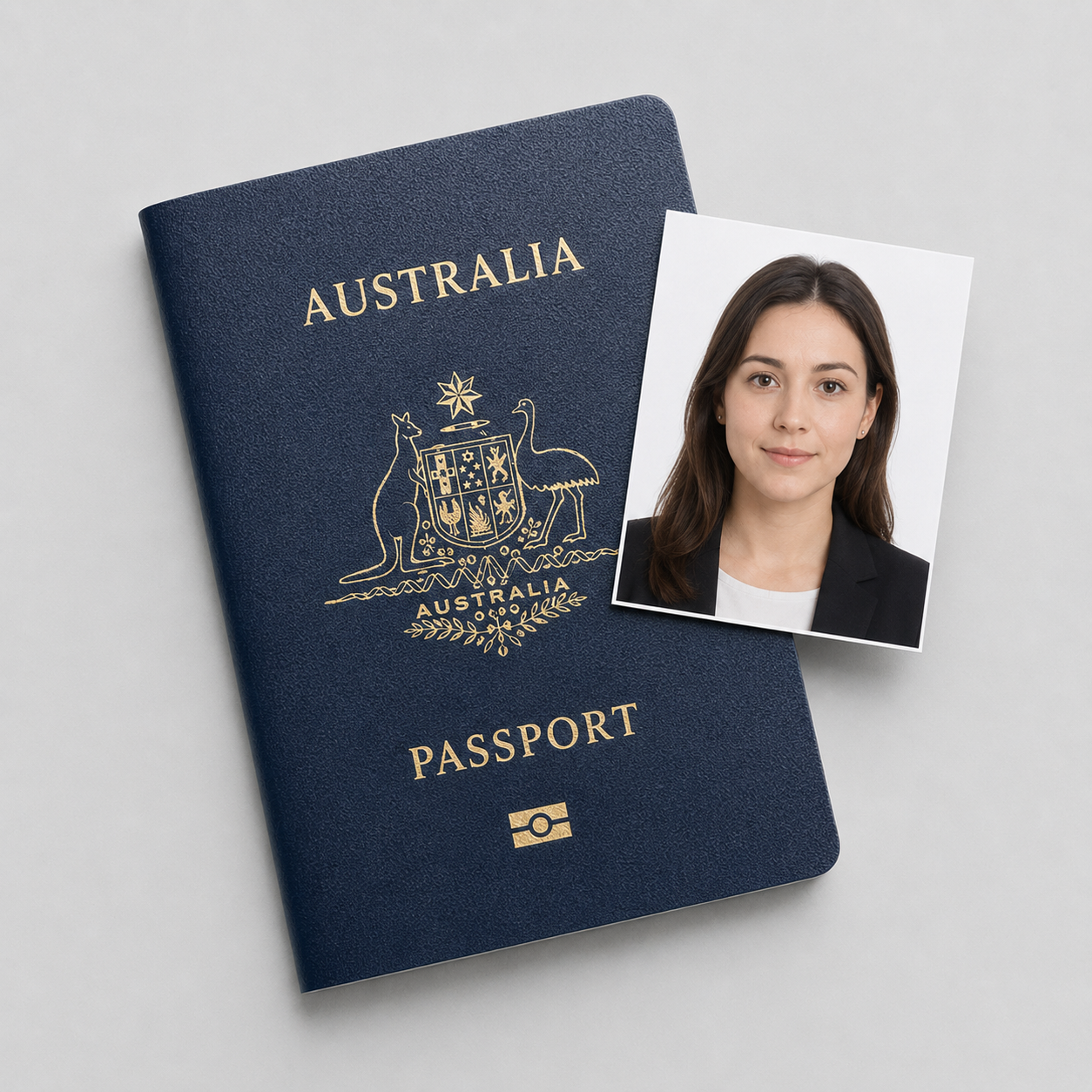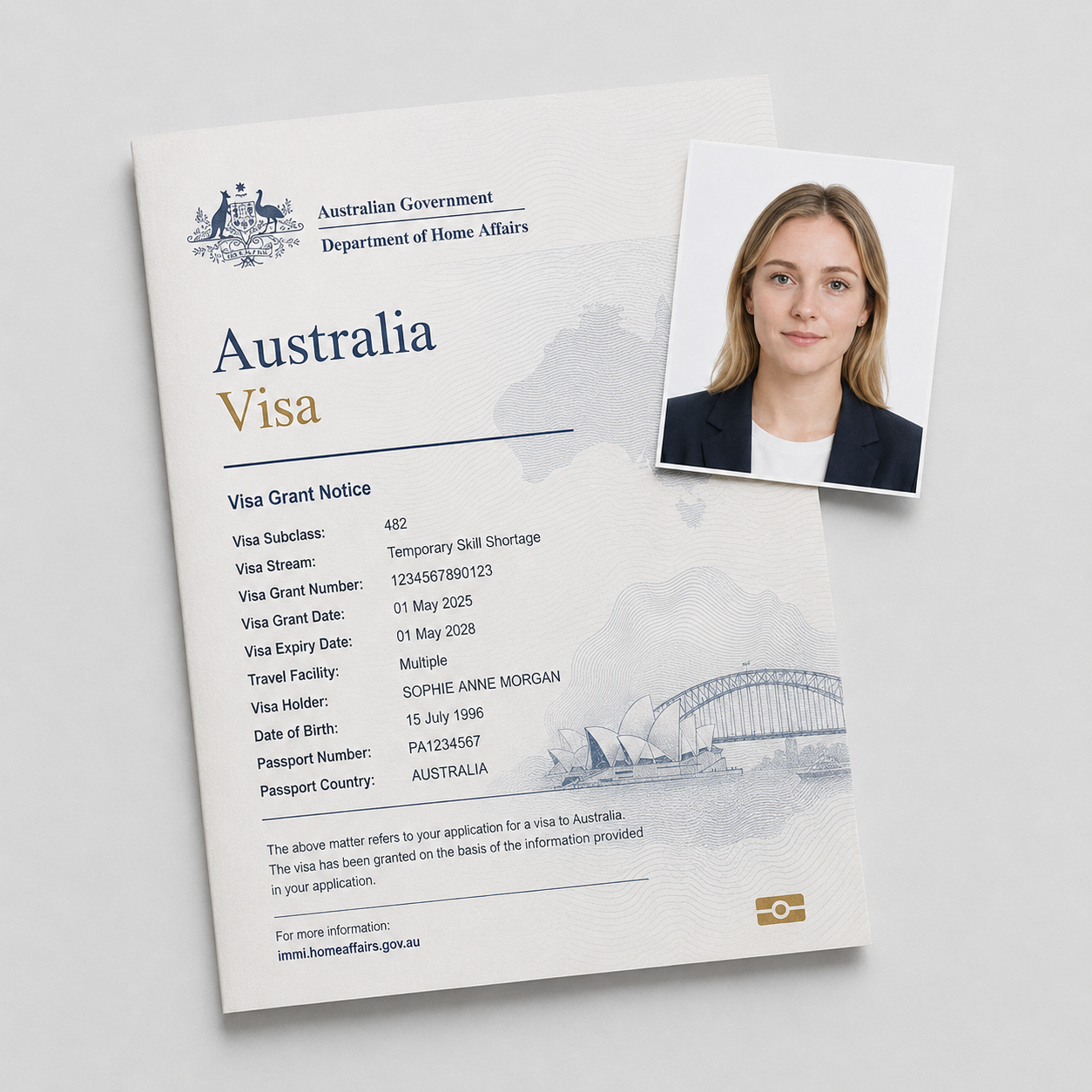
What ImmiAccount needs
You are not printing anything. A Working Holiday Maker visa (subclass 417 Working Holiday, or subclass 462 Work and Holiday) is applied for online through ImmiAccount, and the photo is a digital file you attach to the application. Both subclasses share the same photo spec. The deliverable is one compliant JPEG, sized and weighted so the upload accepts it.
The photo itself must meet these rules:
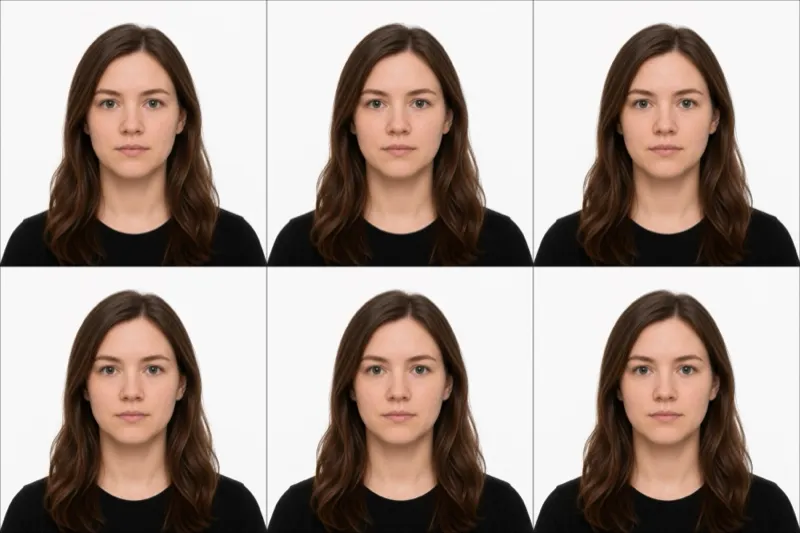
- Size (paper equivalent): 35 to 40 mm wide by 45 to 50 mm high. A standard 35×45 mm passport photo is compliant.
- Head size: 32 to 36 mm from chin to crown.
- Background: plain and light, white or light grey, no patterns and no shadows.
- Colour: a colour photo, not black and white.
- Recency: taken within the last 6 months.
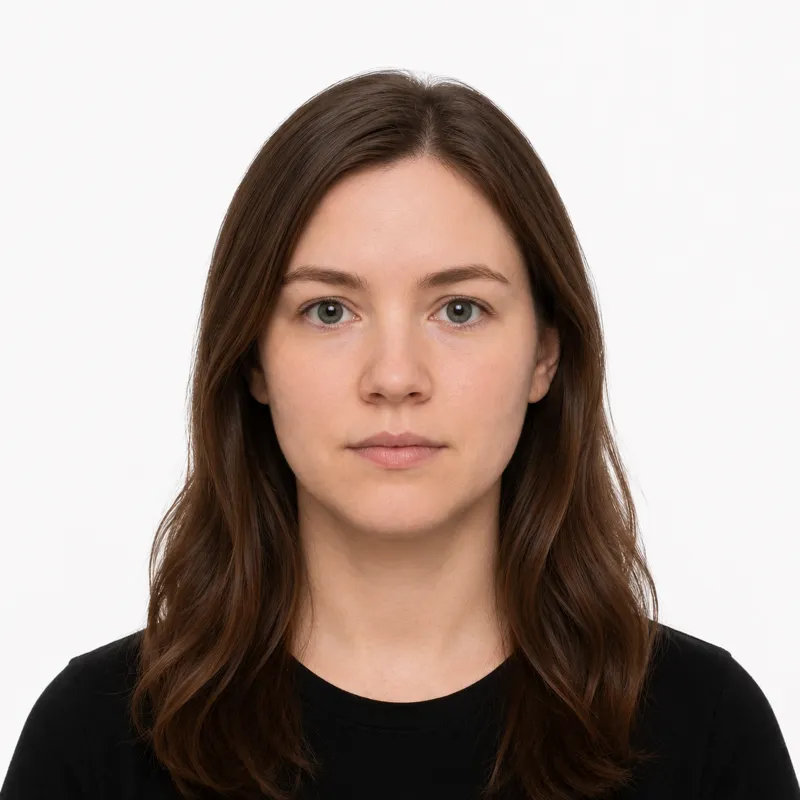
- Pose: head and shoulders, facing the camera, neutral expression with your mouth closed.
- Glasses: removed, unless you need them for medical reasons, with eyes clearly visible and no reflections.
For the upload, save it as a JPEG. Around 1200×1600 pixels works well, and the file size needs to land inside the band ImmiAccount accepts, roughly 70 KB at the small end up to about 3.5 MB at the large end. A file outside that band will not attach.
How to shoot the file
A recent phone camera is more than good enough. Identity photos fail on framing, background, and lighting far more often than on camera quality. To get a clean shot:
- Stand about 1.5 metres in front of a plain white or light grey wall, far enough that you cast no shadow on it.
- Face a window so even daylight hits you from the front. Avoid overhead lights, which throw shadows under the eyes.
- Have someone else hold the camera at eye level. Selfies distort your proportions and usually frame the head wrong.
- Look straight at the lens, keep a neutral expression with your mouth closed, both eyes open, and hair clear of your face.
- Take off glasses unless you genuinely need them for a medical reason.
- Shoot at full resolution so you have room to crop to a 35×45 mm frame with the head sized at 32 to 36 mm.
The last step is where most self-made files go wrong: getting the head ratio and the final pixel dimensions right by hand is fiddly. Cropping against the spec is what decides whether the file passes.
Why uploads get knocked back
Australian Working Holiday photo problems cluster into a familiar handful. Each one, with the fix:
- Treating it as a print job: the target is a correctly sized JPEG, not a glossy print. Export a digital file, not a scan of paper.
- File too large or too small: outside the roughly 70 KB to 3.5 MB band, the attach fails. Re-export the JPEG at a sensible quality so it lands inside the band.
- Black and white photo: colour is required. Re-shoot or re-export in colour.
- Head too large or too small: it must be 32 to 36 mm chin to crown. Re-crop, or re-shoot from the right distance.
- Shadows or a busy background: move away from the wall and light yourself from the front, against a plain light surface.
- Glasses left on: remove them unless medically necessary, and make sure there are no reflections over the eyes.
- Photo older than 6 months: it must reflect how you look now. Take a fresh one.
What to wear (and not wear)
There is no formal dress code, but a few choices reliably cause trouble. The background is light, so a white or very pale top can blend into it and blur your outline. Wear a darker, solid colour instead.
Avoid hats and caps, headphones or earbuds, and anything that casts shadow across the face. Keep glasses off unless you have a medical reason to wear them. Normal everyday clothing is fine, as is light makeup that does not change your usual appearance, and head coverings worn daily for religious reasons, provided your face is fully visible from forehead to chin.
The recurring trap for Australian visa photos is glasses. Many applicants leave them on out of habit, but the standard expectation is that they come off so the eyes are clearly visible without reflections.
Where to get your photo
Because the application is online, what you want at the end is an upload-ready digital JPEG, not a printed pair. Here is how the options compare on that point:
| Option | Cost | Upload-ready JPEG? | Notes |
|---|---|---|---|
| Phone plus manual crop | Free | You crop and resize it yourself | Free, but you handle the head ratio and file size by hand |
| Pharmacy or post office booth | ~$15-19 | Sometimes, ask for the digital file | Built for prints; a digital copy is not always included |
| Photo studio | ~$20-30 | Usually on request | Reliable, but slower and the priciest route |
| Online tool (this site) | $1 | Yes, sized and weighted for the upload | Crops to spec and exports a JPEG within the accepted band |
If you take your own shot, the only hard part left is the crop and the file size. An online tool that crops to the 35×45 mm frame, checks the head ratio, and exports a JPEG inside the ImmiAccount file-size band removes that guesswork. However you get the file, the only thing that matters is that it meets every rule above.
Attaching it in ImmiAccount
When your application asks for a recent passport-style photo, attach the JPEG as a document, the same way you upload any other supporting evidence. There is no separate photo step and, for Working Holiday applicants from eligible passport countries, no in-person biometric photo to sit for in the standard case. The file you upload is what gets assessed.
Before you attach it, run a quick final check: colour, plain light background, neutral expression with mouth closed, no glasses, taken within the last 6 months, and a JPEG whose size sits inside the accepted band. If the upload rejects the file outright, it is almost always the file size or format rather than your face, so re-export the JPEG and try again. Keep a copy of the file in case you need to re-attach it later in the process.
Ready to skip the studio?
Upload a selfie and get a compliant photo in 2 minutes.
Sources & References
This guide is fact-checked against official government publications and updated regularly to reflect the latest requirements.
- [1] Department of Home Affairs — online application photo evidence (help text)immi.homeaffairs.gov.au