⚠ Verify the current spec with NIS before submitting. The Nigeria Immigration Service does not publish detailed photo specifications on its public website. The numbers below reflect the ICAO biometric standard the e-Passport portal uses, but the authoritative test is the photo-upload validator on passport.immigration.gov.ng — upload your photo there before printing to confirm it passes.
The official requirements
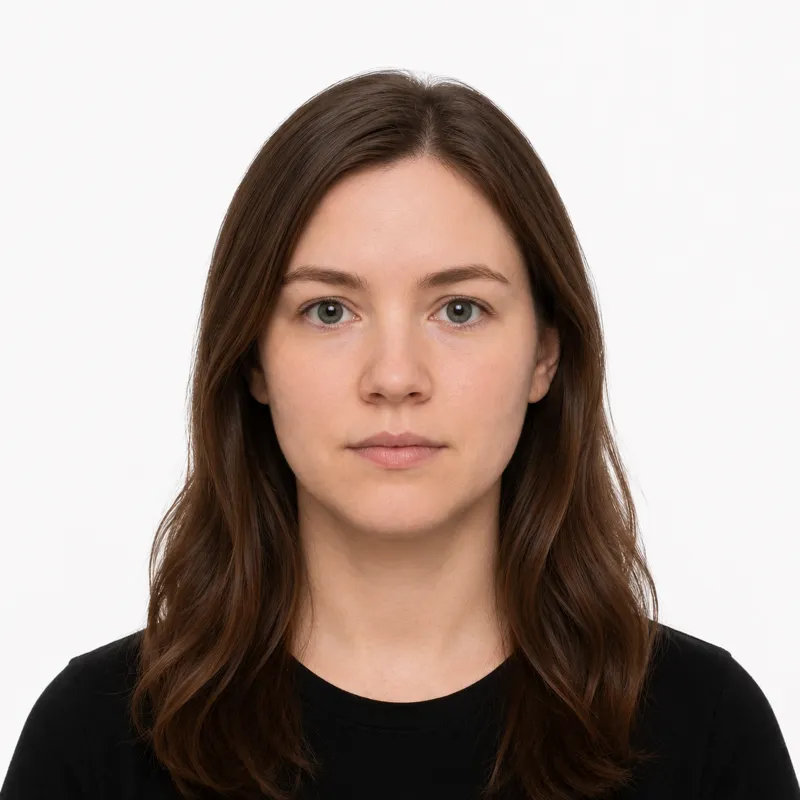
Because the NIS publishes no detailed photo spec of its own, the real test is the e-Passport portal validator, which holds your upload and the later biometric capture to the same ICAO standard. The numbers it enforces:
- Size: 35×45 mm (width × height), portrait
- Background: plain white, no patterns, gradients, or shadows
- Head size: the face fills roughly 70–80% of the photo height, chin to crown
- Expression: neutral, mouth closed, both eyes open and clearly visible
- Glasses: not allowed — remove them, even prescription frames, unless a medical condition is documented
- Recency: taken within the last 6 months
- Color: color photo, even lighting, no filters or beauty mode
For the NIS portal upload, the photo is a JPEG and should be a clear, recent passport-style image — the portal rejects low-resolution files and anything that does not look like a head-and-shoulders shot.
How to take a compliant photo
The portal upload is the first hurdle: applicants who skip past it with a casual phone shot usually get bounced and have to start the upload again. The setup that works:
- Stand about 1.5–2 metres from a plain white wall, with enough gap behind you that no shadow falls on it.
- Face a window so soft, even daylight hits your face from the front. Avoid overhead bulbs — they leave shadows under the eyes and nose, which the portal flags.
- Have someone else take it from chest height, phone held straight. Selfies distort the face and almost always frame the head wrong.
- Look directly at the camera, neutral expression, hair clear of the eyebrows and ears.
- Crop to a 35×45 mm portrait with the head filling about three-quarters of the height — or upload the shot to a tool that crops and validates to the NIS spec for you.
Why photos get rejected
The portal’s automated checker and the NIS officers at the biometric desk reject the same handful of problems again and again. Each one, and the fix:
- Background not truly white — a cream wall, a curtain, or a cast shadow reads as off-spec. Use a true white wall or replace the background.
- Head too small in the frame — a wide phone shot leaves the face tiny. Re-crop tighter, or re-shoot from closer.
- Glasses left on — automatic rejection without medical paperwork. Take them off.
- Smiling with teeth showing — keep the mouth closed; a faint natural look is fine.
- Shadows on the face — overhead light or sun from one side. Move to face a window and re-shoot.
- Low-resolution or blurry file — the portal rejects fuzzy uploads. Shoot in your camera’s standard mode, not zoomed in.
- Filters, AI smoothing, or beauty mode — turn them off; the image must look like you today.
- Photo older than 6 months — it must reflect your current appearance.
What to wear (and not wear)
The wardrobe trap in Nigeria is the white shirt, the standard office outfit that disappears into the white background the moment the photo is cropped. Pick a solid darker colour instead, then watch for the rest:
Avoid: glasses of any kind, hats or caps (other than daily-worn religious head coverings), headphones, large earrings or ornaments that change the visible shape of your face, and uniforms. A white agbada, a white shirt, or any very pale top blends into the white background, so wear a darker, solid colour.
Fine: ordinary everyday clothing, traditional Nigerian dress in a darker colour, light makeup that keeps your everyday appearance, religious head coverings worn daily (face fully visible from forehead to chin), and medical devices like hearing aids worn every day.
The wardrobe trap is the white shirt: it is the most common everyday Nigerian office outfit, and it disappears into the background when the photo is cropped — wear navy, dark green, dark grey, or another solid darker colour instead.
Where to get your photo
The portal upload happens before you ever reach the passport office, so you need a photo first. Common options and trade-offs (in NGN, with rough US$ equivalents):
| Where | Price | Appointment | Speed | Digital file |
|---|---|---|---|---|
| Neighbourhood photo studio (Lagos / Abuja / Port Harcourt) | ₦2,000–5,000 | No | Same day | Usually |
| Mall photo shop | ₦3,000–7,000 | No | Same day | Usually |
| Passport-office area photographer (outside NIS) | ₦1,500–3,000 | No | Minutes | Sometimes |
| Nigerian embassy / high commission photographer (diaspora) | varies by country | Sometimes | Same day | Usually |
| Online tool (this site) | ~₦1,500 (US$1) | No | ~2 minutes | Yes |
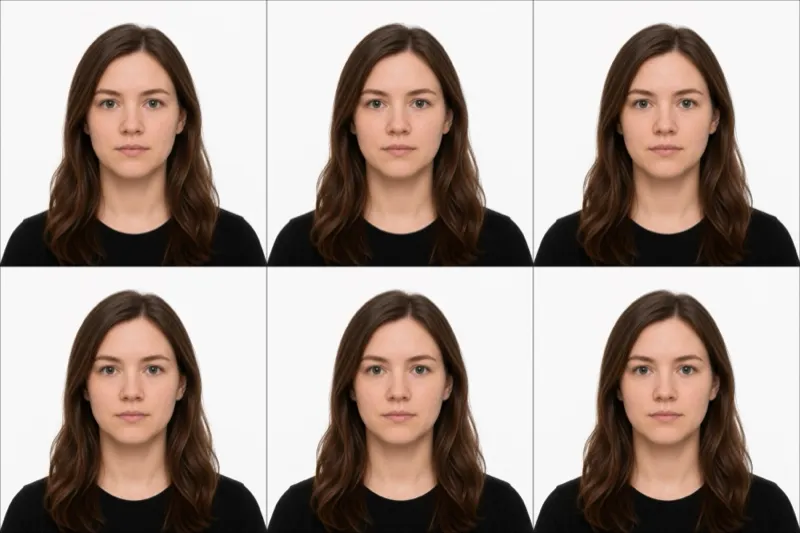
A neighbourhood studio is the dominant channel in Nigeria — they know the 35×45 mm spec and will hand you both prints and a JPEG on a flash drive or via WhatsApp. The photographers who set up near major passport offices in Lagos, Abuja, and Port Harcourt are fast and cheap, but the quality varies and you may need to redo the upload. Online is the cheapest route and gives you the JPEG you need for the NIS portal plus a print-ready sheet you can print at any photo shop. Whichever you choose, the photo only counts if it meets every rule above.
Submitting your photo
The Nigerian e-Passport application has two photo touch-points, and they catch different mistakes:
Step 1 — NIS portal upload. You start the application at the immigration.gov.ng e-Passport portal, complete the form, pay the fee, and upload your JPEG. The portal’s automated checker will reject low-resolution files, off-white backgrounds, and obviously non-compliant shots before letting you proceed. Re-upload until it passes.
Step 2 — Biometric capture at the passport office. You then book a slot at a NIS passport office (or a Nigerian embassy abroad), and an officer captures a fresh biometric photo, your fingerprints, and your signature at the counter. The uploaded photo is still on file — bring a printed copy as backup in case the officer asks for one or the system flags a discrepancy.
Diaspora applications. Nigerians abroad apply through the embassy or high commission in their country of residence (UK, US, Canada, UAE are the largest). The portal flow is the same; biometric capture happens at the consular section by appointment. Applying from Canada? We have a step-by-step renewal walkthrough covering the NIN check, the photo upload, and the Ottawa appointment.
Babies, kids & special situations
Infants and toddlers follow the same rules — plain white background, no pacifiers, no hands or arms in the frame, both eyes open where possible. Lay the baby on a plain white sheet and shoot from directly above. A slightly open mouth is usually tolerated for newborns.
Religious head coverings are allowed when worn daily — hijab, headwrap, or any covering — provided the face is fully visible from forehead to chin and there is no shadow across the face.
Glasses are not permitted, even prescription. If you wear them daily, take them off for the shot. The only exception is a documented medical condition, and you should bring the supporting note to the biometric appointment.
Medical devices such as hearing aids worn every day are fine and should be visible in the photo.
Ready to skip the studio?
Upload a selfie and get a compliant photo in 2 minutes.
Sources & References
This guide is fact-checked against official government publications and updated regularly to reflect the latest requirements.
- [1] Nigeria Immigration Service — e-Passport application portalimmigration.gov.ng
- [2] Nigeria Immigration Service — homepageimmigration.gov.ng