The official requirements
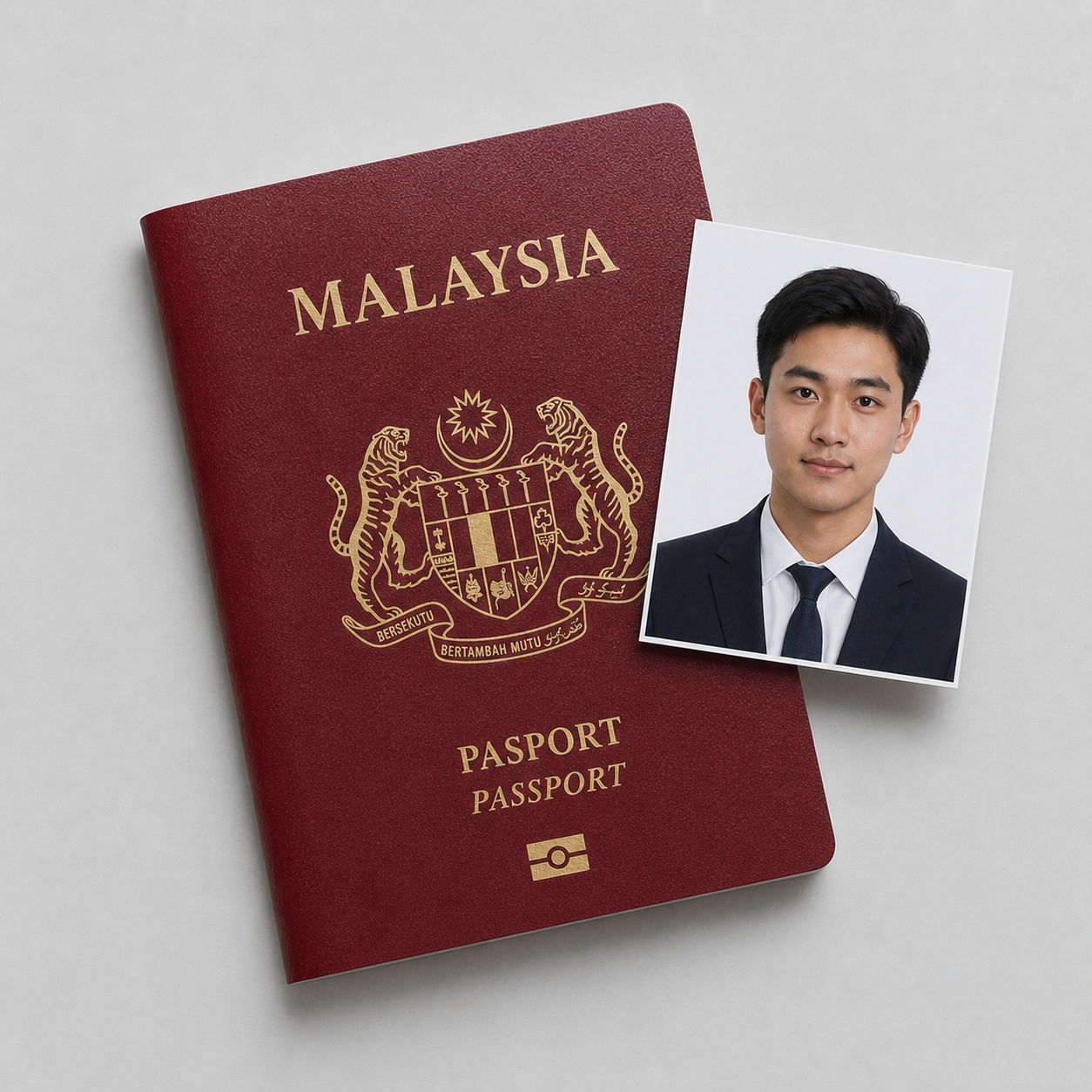
The Malaysian Immigration Department (IMI) uses a tall photo that catches a lot of travellers out: it is 35×50 mm, not the 35×45 mm size common in Europe or the square 2×2 inch used by the US. Most applicants now submit it as a digital file through the Malaysia eVISA portal. The rules:
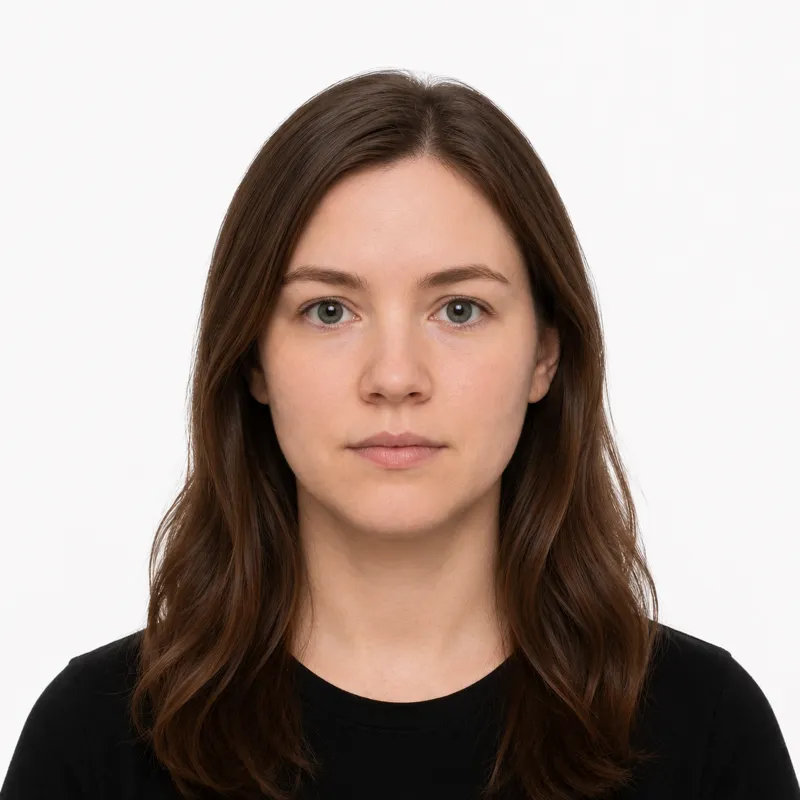
- Size: 35×50 mm (3.5×5.0 cm), portrait orientation
- Background: plain white only, no grey, cream, or off-white, no shadows or patterns
- Head size: 25–30 mm from chin to crown, roughly 50–60% of the photo height, a smaller share of the frame than European photos
- Expression: neutral, both eyes open, looking straight at the camera
- Glasses: not allowed, eyes must be fully visible without glare
- Recency: taken within the last 6 months
- Color: color photo, no filters or retouching
For an eVISA upload, the file is a JPEG. Rather than chase a single byte count, keep the file within the portal’s stated limit shown on the upload form.
How to take a compliant photo
The tall 35×50 mm frame is the part people get wrong. Because the head fills only about half the height, cropping too tight is the most common self-made mistake. A modern phone camera is fine. Follow these steps:
- Stand about 1.5 to 2 m in front of a plain white wall, with enough gap behind you that you cast no shadow on it.
- Light yourself from the front, facing a window. Avoid overhead light, which throws shadows under the eyes.
- Have someone else take the shot at eye level. Selfies distort proportions and frame the head wrong.
- Look straight at the camera, neutral expression, both eyes open, hair clear of your face. Take your glasses off.
- Crop to the tall 35×50 mm rectangle. Leave space above the head and below the chin so the head measures 25–30 mm, not the larger crop a European or US photo would use.
The framing instinct from other countries is the trap here: a 70–80% head that passes in Europe is too big for Malaysia.
Why photos get rejected
The eVISA portal and visa officers bounce the same problems repeatedly. Each one, with its fix:
- Glasses left on. Remove all glasses, including prescription. Eyes must be visible with no glare.
- Background not white. A grey, cream, or off-white wall reads as off-spec. Use a plain white wall or replace the background.
- Wrong size. The photo must be 35×50 mm, not 35×45 mm or 2×2 inch. Re-crop to the tall rectangle.
- Head too large. Over-cropping makes the head fill too much of the frame. Pull the crop out so the head is 25–30 mm chin to crown.
- Hijab covering the forehead. Headwear is allowed but must not hide any feature from forehead to chin. Set it back off the face.
- Retouched or filtered. No beauty filters, skin smoothing, or edited tone.
- Tilted head. Keep the face straight and level, showing the full face and part of the shoulders.
- Shadows on the face or wall. Light evenly from the front and step away from the wall.
- Photo older than 6 months. It must reflect your current appearance.
What to wear (and not wear)
There is no formal dress code, but the white background drives the choices. A dark-coloured shirt is the safest pick because it contrasts cleanly with the white and stops your shoulders blending into the background. A white or very pale top does the opposite and can wash out.
Avoid glasses of any kind, hats or caps, headphones, and uniforms. Everyday clothing is fine, and light makeup that does not change your usual appearance is acceptable. Religious head coverings are allowed under the rule covered below, provided the face stays fully visible.
Where to get your photo
You can have the photo taken in Malaysia, get it through a visa centre, or create the digital file yourself. The trade-offs:
| Where | Price | Output | Best for |
|---|---|---|---|
| Malaysian photo studio or kiosk | Varies locally | Printed 35×50 mm | In-country applicants, sticker visas |
| VFS or Malaysian mission | Service fee | Printed 35×50 mm | Sticker visas applied in person abroad |
| Online tool (this site) | $1.00 | Digital 35×50 mm JPEG | eVISA upload from home |
If you are abroad applying for a sticker visa, a studio or visa centre hands you printed photos at the counter. If you are using the eVISA portal, you need a digital file in the tall 35×50 mm shape: an online tool can crop an ordinary shot to that size, set a white background, and output the JPEG for upload in about two minutes. Whichever route you take, the photo only passes if it meets every rule above.
Submitting your photo
Malaysia takes the photo two ways: uploaded to the eVISA portal, or handed in as printed 35×50 mm photos for a sticker visa at a mission or VFS centre.
Malaysia eVISA (online). Many travellers apply online through the eVISA portal and upload a digital 35×50 mm JPEG with the application. There is no print step. Keep the file within the size limit the upload form states, and make sure the head, background, and crop already comply before you upload, because a wrong photo means resubmitting.
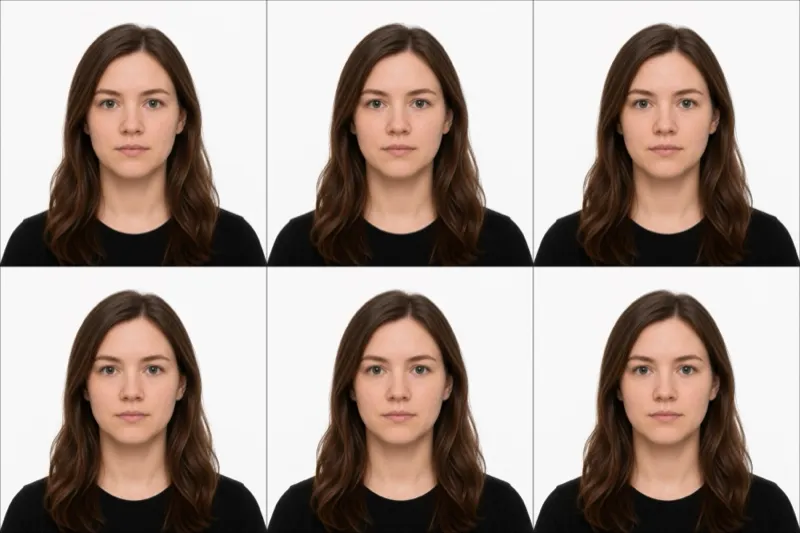
Sticker visa at a mission or VFS. Some nationalities apply in person at a Malaysian mission or through a VFS centre. Here you bring printed 35×50 mm photos to attach to the form. The same 35×50 mm format also appears on several Malaysian passes, so a compliant photo carries across.
Headwear and infants
Religious head coverings are allowed. A hijab, ideally a dark colour to contrast the white background, must not obscure any facial feature from forehead to chin. Set it back off the brow so the whole face is visible.
Infants and young children follow the same 35×50 mm rules, including the white background and the smaller head size. No hands, pacifiers, or toys in the frame. Lay the child on a plain white sheet and shoot from directly above with both eyes open and the face straight.
Ready to skip the studio?
Upload a selfie and get a compliant photo in 2 minutes.
Sources & References
This guide is fact-checked against official government publications and updated regularly to reflect the latest requirements.
- [1]