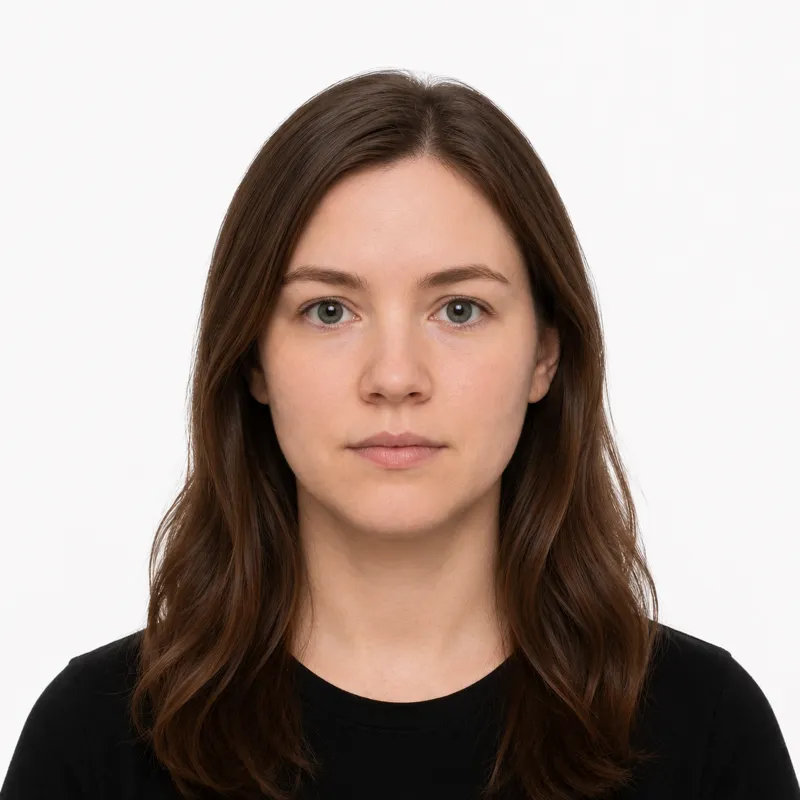
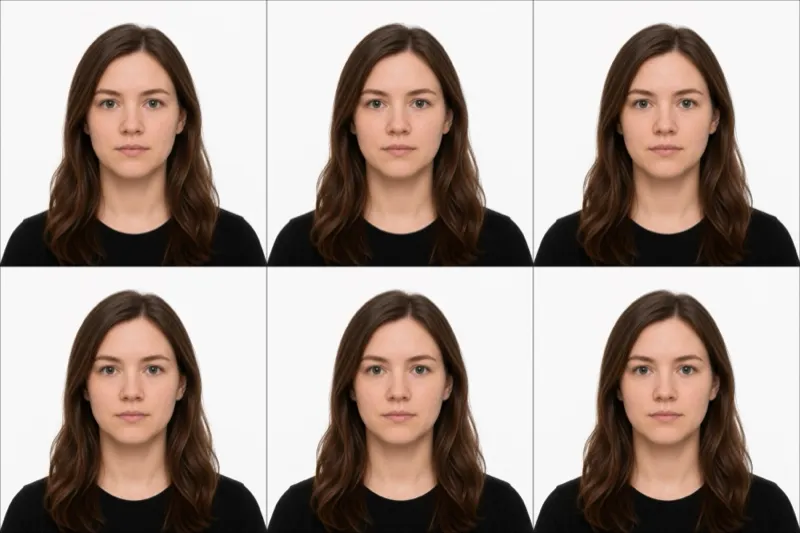
The official requirements
The rule that catches almost everyone is the background: the DFA wants plain royal blue, not the white most countries use, and the wrong shade is the single most common rejection. The full spec:
- Size: 35×45 mm (3.5×4.5 cm), portrait
- Background: plain royal blue — this is the rule most applicants get wrong. Not white, not light blue, not grey.
- Head size: the head fills 70–80% of the photo height, chin to crown
- Ears: both ears must be clearly visible
- Expression: neutral, mouth closed, both eyes open
- Glasses: allowed, but no glare, no tinted lenses, no thick frames covering the eyes — the DFA prefers them off
- Recency: taken within the last 6 months
- Color: color photo only, no filters or beautification
Inside the Philippines, the photo is captured live at the DFA consular office during your appointment. The spec above matters most when you need a printed photo — for an embassy renewal from abroad, a school or NBI document, a visa application, or a passport application processed by mail.
How to take a compliant photo
For a passport applied for inside the country, your photo is taken at the DFA office and you do not bring your own. For everything else — OFW renewals through a Philippine embassy or consulate, visa applications, school papers — you supply the photo yourself. The setup that works:
- Hang a plain royal blue sheet, backdrop, or poster board behind you. Cobalt or “Klein blue” is the right shade; navy and sky blue both read as wrong.
- Stand 4–6 feet from the backdrop so no shadow falls on it.
- Light yourself evenly from the front — face a window. Overhead light leaves shadows under the eyes.
- Have someone else take it from chest height, straight on. Selfies distort the face and crop the head wrong.
- Tuck your hair behind both ears — ears must be visible — and look straight at the camera with a neutral expression.
- Crop to 35×45 mm with the head filling 70–80% of the height. A tool that crops and validates against the DFA spec will catch sizing problems before submission.
Why photos get rejected
The DFA and Philippine embassies abroad bounce the same problems repeatedly. Each one, and the fix:
- Wrong background colour — the single biggest rejection. White, light blue, sky blue, navy, and grey all fail. It must be royal/cobalt blue.
- Ears hidden — hair, scarves, or hoods over the ears. Tuck hair behind both ears.
- Head too small or too large — the head must fill 70–80% of the frame. Re-shoot from closer, or re-crop.
- Glare on glasses — even when glasses are technically allowed, reflections obscure the eyes and the photo fails. Take them off if there is any glare at all.
- Sleeveless or low-cut top — collared, sleeved tops are expected; sleeveless tops get the photo rejected.
- Smile showing teeth — keep the mouth closed; a slight neutral expression is fine.
- Filters or beauty mode — skin smoothing, slimming, and brightening filters are grounds for rejection. Turn them off.
- Photo older than 6 months — it must reflect your current appearance.
What to wear (and not wear)
There is no formal dress code, but the DFA and embassies abroad reject photos over a few specific clothing problems:
Avoid: sleeveless tops, spaghetti straps, tube tops, off-the-shoulder cuts. Anything blue that matches the background — the head will look like it’s floating. Uniforms (school, work, military). Hats and caps. Tinted glasses, sunglasses, or thick frames that hide the eyes.
Fine: a plain collared shirt or blouse in white, cream, beige, light grey, or a non-blue solid colour. Light everyday makeup. Religious head coverings worn daily, with the face fully visible from forehead to chin and both ears showing where possible.
Earrings, light jewellery, and hearing aids are fine. Coloured contact lenses that change the iris colour are not allowed — clear vision-correcting contacts are.
Where to get your photo
If you are applying for a passport inside the Philippines, the DFA office takes the photo at your appointment — you do not bring one. The options below are for the OFW audience, embassy renewals from abroad, visa applications, schools, and any situation that asks you to supply a printed 35×45 mm royal-blue photo.
| Where | Price (PHP) | Appointment | Speed | Digital file |
|---|---|---|---|---|
| Mercury Drug photo counter | ~150–250 | No | Same day | Sometimes |
| SM / Ayala mall photo studio | ~200–400 | No | Same day | Usually |
| Neighbourhood photo shop | ~100–200 | No | Same day | Varies |
| Photoland / Picture City | ~250–400 | No | Same day | Usually |
| Online tool (this site) | No | ~2 minutes | Yes; printable sheet in the $5 pack |
In-store works if you are already in the Philippines and want a printed copy in your hand the same day. Online is the realistic option for OFWs: a studio overseas will charge $20–$40 for the same thing, and a Philippine embassy renewal usually asks for both a digital file and printed copies. Whichever route you pick, the photo only counts if it meets every rule above — especially the royal blue background.
Submitting your photo
The Philippines runs three channels: a DFA consular office inside the country, a Philippine embassy or consulate abroad, and a mail-in route at the posts that allow it.
Inside the Philippines (new application or renewal at a DFA office) — Book through the DFA passport appointment system, pay the processing fee, and bring your documents to the consular office. The photo is captured on the spot along with your fingerprints and biometric signature. There is no separate photo upload.
Overseas — Philippine Embassy or Consulate renewal (OFWs and dual citizens) — Most posts ask for printed 35×45 mm royal-blue photos (commonly 2 or 4 copies) plus, in many posts, a digital JPEG. Check your specific embassy’s requirements page — Riyadh, Dubai, Hong Kong, Singapore, Los Angeles, Toronto, and London all publish their own checklists, and the number of printed copies varies.
Mail-in renewal from abroad — Where the embassy accepts mail-in renewals, you mail the printed photos with your old passport and forms. The 35×45 mm royal-blue spec is the same; the embassy will not retake it for you.
Other uses — Visa applications, NBI clearances, school papers, and SSS forms in the Philippines often ask for the same 35×45 mm or a 2×2 inch photo with white background. Read the form carefully — the two specs are not interchangeable.
OFWs, minors & special situations
Overseas Filipino Workers (OFWs) are the largest group that needs to supply their own photo — embassies and consulates abroad do not always have on-site photo capture, and even when they do, queues and appointment scarcity make bringing a compliant photo the safer route. Confirm your embassy’s exact number of printed copies before posting.
Minors and children follow the same 35×45 mm royal-blue spec. For infants, lay the baby on a royal blue sheet, shoot from directly above, neutral face, no pacifier, no hands or arms in the frame. Both eyes open. A parent or guardian must be present at the DFA appointment regardless.
Religious head coverings — hijab, kippah, turban — are allowed when worn daily; the face must be fully visible from forehead to chin. The DFA prefers both ears visible where the covering allows.
Glasses are technically allowed but cause more rejections than they prevent. If there is any glare, any tint, or any frame covering the eyes, take them off. There is no penalty for submitting a no-glasses photo even if you wear them daily.
Medical devices such as hearing aids and oxygen tubes worn daily are fine.
Ready to skip the studio?
Upload a selfie and get a compliant photo in 2 minutes.
Sources & References
This guide is fact-checked against official government publications and updated regularly to reflect the latest requirements.
- [1]
- [2] DFA Consular Affairs — Passport Appointment Systempassport.gov.ph