USCIS Photo Requirements: Immigration Photo Guide for Green Card, EAD & Visa
Complete guide to USCIS photo requirements for immigration forms I-485, I-130, I-765, and N-400. Official size, background, glasses rules, and digital specs for 2026.
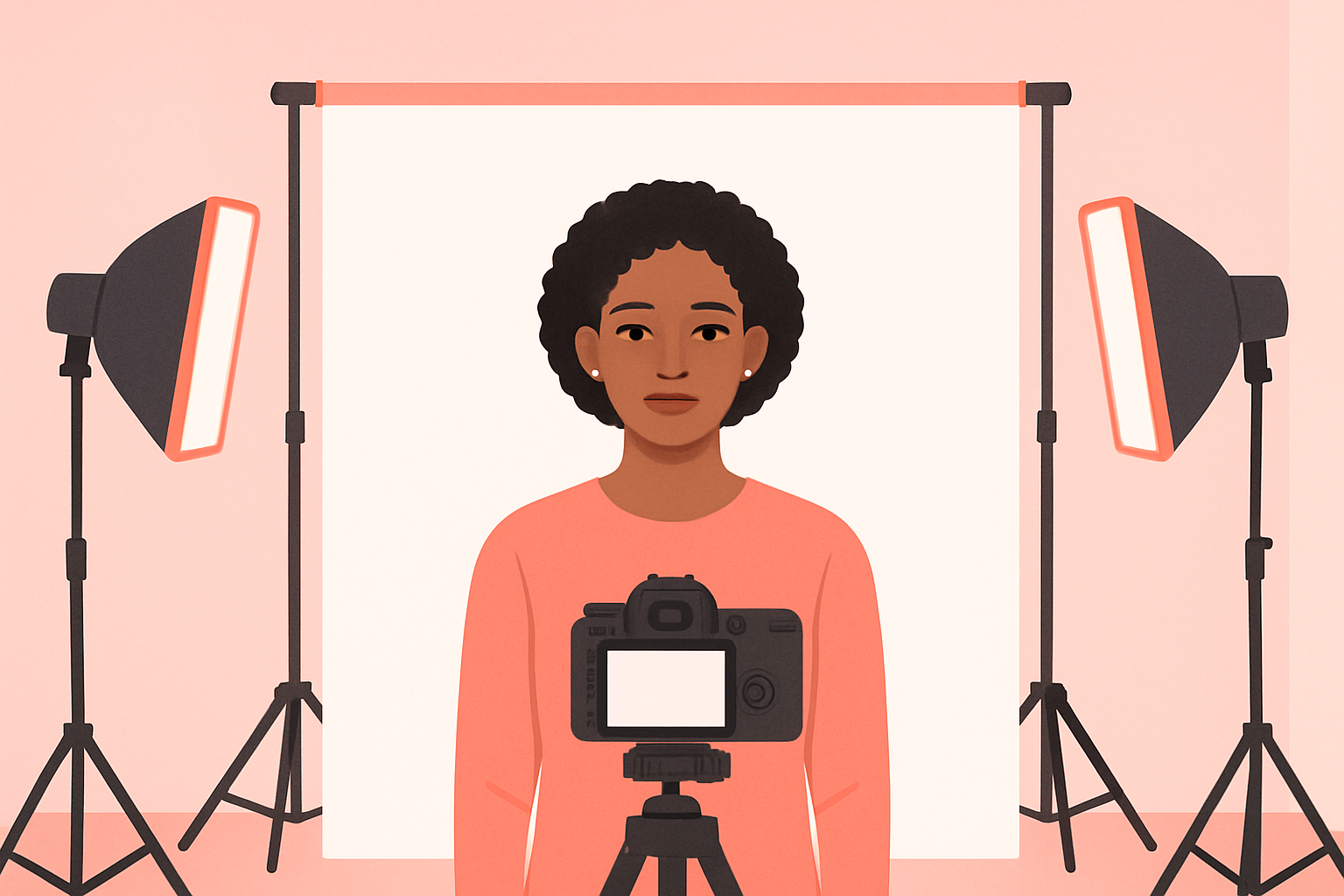
Every USCIS immigration form — whether you’re filing for a green card, work permit, family petition, or citizenship — requires two identical passport-style photos. Get them wrong and your application gets delayed. Get them really wrong and USCIS rejects the entire package.
The good news: USCIS photo requirements are nearly identical across all forms. Once you know the rules for one, you know them for all. The differences between forms come down to how you submit the photos, not what the photos look like.
Here’s exactly what USCIS requires, form by form, with zero guesswork.
USCIS Photo Specifications (All Forms)
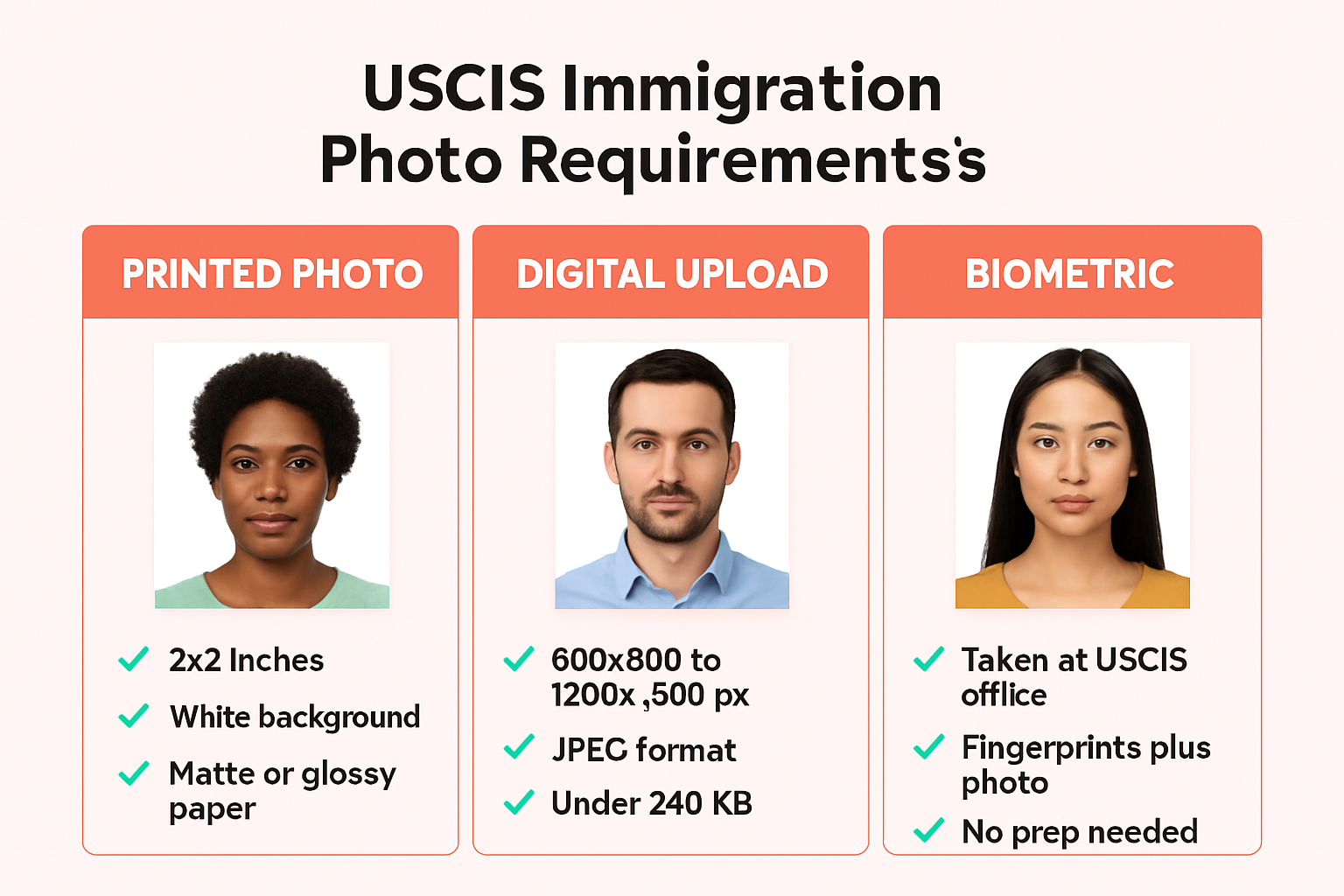
These requirements apply to every immigration form that asks for photos — I-485, I-130, I-765, N-400, and more:
| Requirement | Specification |
|---|---|
| Quantity | 2 identical photos |
| Print size | 2 × 2 inches (51 × 51 mm) |
| Head height | 1 to 1⅜ inches (25–35 mm), chin to top of hair |
| Background | Plain white or off-white |
| Color | Full color (no black-and-white) |
| Recency | Taken within the last 6 months |
| Expression | Neutral, both eyes open |
| Glasses | Not allowed |
| Paper | Photo-quality paper (matte or glossy) |
| Mounting | Unmounted — no staples, clips, or adhesive |
That last point trips people up. USCIS specifically warns that photos must be unmounted and unretouched. “Unretouched” means no digital editing, beauty filters, or enhancements. Submitting altered photos can delay your case and may require an in-person visit to an Application Support Center to verify your identity.
These specs match the standard US passport photo size — same 2×2 inches, same white background, same composition rules. If your photo works for a US passport, it works for USCIS.
Photo Requirements by Form
While the photo specs are consistent, each USCIS form has slightly different submission requirements. Here’s how they break down:
Form I-485 (Adjustment of Status / Green Card)
Filing I-485 to get your green card? You need two passport-style photos included with your application package. USCIS also schedules a biometric appointment at an Application Support Center (ASC) where they capture your fingerprints and a digital photo.
Key detail: Even though USCIS takes your photo at the biometric appointment, you still need to include printed photos with your paper filing. Don’t skip them — USCIS can reject incomplete packages.
Form I-130 (Petition for Alien Relative)
The I-130 is the first step in family-based immigration. The petitioner (US citizen or green card holder) must include their own passport-style photos. The beneficiary (the relative seeking immigration) provides photos later when filing I-485 or at the consular interview.
Form I-765 (Employment Authorization / EAD)
The work permit application requires two passport-style photos. USCIS uses your biometrics to produce the EAD card itself, so the photo on your work permit comes from your ASC appointment — but you still submit printed photos with the form.
USCIS has flagged this form specifically: Photos must be unmounted and unretouched. Submitting edited images will delay processing.
Form N-400 (Naturalization / Citizenship)
Applying for US citizenship? Same deal — two passport-style photos with your application. You’ll also attend a biometric appointment where USCIS captures your photo digitally.
The Pattern
See the pattern? It’s the same photo requirements across every form. Two printed photos, 2×2 inches, white background, no glasses, neutral expression. The only variable is whether you’re filing online (which may accept digital uploads) or by mail (which requires printed photos).
What Gets Your USCIS Photo Rejected
USCIS officers and automated systems flag these issues:
- Glasses of any kind. No eyeglasses, period. The only exception requires a signed medical statement from a physician explaining why glasses cannot be removed (e.g., recent ocular surgery). Even clear-frame fashion glasses aren’t allowed.
- Wrong background. Must be plain white or off-white. Gray, blue, cream, beige — all rejected.
- Shadows. On your face or behind you on the background. Even subtle shadows from overhead lighting.
- Digital retouching. Beauty filters, skin smoothing, background replacement, color correction beyond the original image. USCIS explicitly prohibits digitally enhanced photos.
- Old photo. Must be taken within the last 6 months. If your appearance has changed significantly — major weight change, facial surgery, added/removed facial piercings or tattoos — you need a new photo even if it’s less than 6 months old.
- Head covering. No hats or head coverings unless worn daily for religious purposes. Even then, your full face must be visible with no shadows cast by the covering.
- Wrong size. Must be exactly 2×2 inches. Not 2×2.5, not wallet-size.
- Mounted photos. Don’t glue, staple, or tape your photos to anything. Submit them loose.
Wondering about makeup? That’s actually fine for USCIS photos, as long as it reflects your everyday appearance. Check our guide on whether you can wear makeup in passport photos for the full breakdown.
Digital Photo Requirements (Online Filing)
If you’re filing online through your USCIS account (available for I-765, N-400, and some other forms), you may need to upload a digital photo. The digital specs follow the State Department standards:
| Requirement | Specification |
|---|---|
| File format | JPEG (.jpg) |
| Dimensions | 600×600 to 1200×1200 pixels |
| Aspect ratio | Square (1:1) |
| File size | 240 KB or less |
| Color depth | 24-bit color, sRGB color space |
| Compression | 20:1 ratio or less |
The composition rules stay the same — white background, neutral expression, no glasses, head filling 50–69% of the image height. Only the delivery format changes.
Pro tip: If you have a compliant printed photo, you can scan it at 300 DPI to create the digital version. But starting with a fresh digital photo is more reliable.
Printed vs. Digital vs. Biometric: Which Do You Need?
This is where people get confused. Here’s the simple breakdown:
| Filing Method | What You Submit | What USCIS Captures |
|---|---|---|
| Paper filing (mail) | 2 printed photos (2×2 in) | Photo + fingerprints at ASC |
| Online filing | Digital upload (JPEG) | Photo + fingerprints at ASC |
| Consular processing | 2 printed photos at interview | Photo at consulate |
The biometric appointment doesn’t replace your submitted photos. USCIS uses ASC photos for your actual card (green card, EAD) and for background checks. The photos you submit with your form serve as identity verification during processing.
If you’re filing concurrently — say, I-485 + I-765 + I-131 together — you need photos for each form that requires them.
What to Wear in Your USCIS Photo
The rules are straightforward: wear what you normally wear. USCIS wants your photo to look like you on a regular day. That means:
- Normal daily clothing — business casual, casual, whatever you’d wear outside
- No uniforms — military, airline, law enforcement, or other professional uniforms aren’t allowed
- No costumes or themed outfits
- Religious attire is fine — head coverings worn daily for religious reasons are permitted
For detailed guidance on outfit choices, colors that photograph well against white backgrounds, and what to avoid, see our full guide on what to wear for a passport photo. The rules are identical for USCIS photos.
USCIS vs. US Passport Photos: What’s Different?
Almost nothing. Both follow the same State Department photo standards:
| USCIS Immigration Photo | US Passport Photo | |
|---|---|---|
| Size | 2×2 inches | 2×2 inches |
| Background | White or off-white | White or off-white |
| Head size | 1–1⅜ inches | 1–1⅜ inches |
| Glasses | Not allowed | Not allowed |
| Expression | Neutral, eyes open | Neutral, eyes open |
| Recency | Within 6 months | Within 6 months |
| Quantity | 2 per form | 1 (or 2 for mail renewal) |
The only practical difference is quantity. USCIS forms require 2 photos each. If you’re filing multiple forms simultaneously, you may need 4–6 identical photos total.
If you already have a recent US passport photo that’s less than 6 months old and reflects your current appearance, you can use the same photo for your USCIS filing. Just make sure you have enough printed copies.
For a deeper dive on green card photos specifically, including DV lottery digital specs, check our green card photo requirements guide.
The Easy Way to Get USCIS-Compliant Photos
You could go to CVS or Walgreens and pay $16.99 for two prints that may or may not meet USCIS standards. Or you could handle it in minutes from your phone.
One Dollar Passport Photo creates USCIS-compliant photos instantly:
- Upload any photo from your phone — selfie, portrait, whatever you’ve got
- AI handles the rest — background removal to pure white, proper cropping, correct head positioning, 2×2 inch sizing
- Download your photo — high-res digital JPEG for online filing, or a print-ready 4×6 template with multiple copies for mail filing
No appointment. No driving anywhere. No hoping the pharmacy employee knows USCIS specs.
One photo. One dollar. Works for I-485, I-765, I-130, N-400, and every other USCIS form.
Frequently Asked Questions
Can I use the same photo for multiple USCIS forms?
Yes — as long as the photo was taken within the last 6 months and reflects your current appearance. If you’re filing I-485 and I-765 together, you can use the same photo for both. Just make sure you have enough printed copies (2 per form).
Do I still need to submit photos if I have a biometric appointment?
Yes. The biometric appointment at the Application Support Center is separate from the photos you submit with your application. USCIS uses biometric photos for your actual card and background checks, but your submitted photos serve as identity verification during processing.
Can I take my USCIS photo with my phone?
Yes — modern smartphones produce sufficient quality for USCIS photos. Use good lighting, stand in front of a plain white wall, and have someone else take the photo (or use a timer with the rear camera). Then use One Dollar Passport Photo to ensure proper formatting, background, and dimensions.
Are prescription glasses allowed in USCIS photos?
No. Since 2016, eyeglasses are not allowed in any US visa, passport, or immigration photo. The only exception is a documented medical necessity with a signed statement from a physician. This applies to all frames — prescription, reading glasses, sunglasses, and even clear fashion frames.
How many photos do I need if I’m filing multiple forms?
Each form that requires photos needs its own set of 2. Filing I-485 + I-765 + I-131 together? That’s potentially 6 photos. They can all be identical — same photo, same session — just make sure you have enough copies. Using a print-ready template with multiple photos on a single 4×6 sheet makes this easy and cheap.
Ready to create your passport photo?
Get a compliant photo in 2 minutes for just $1. No signup required.