🇺🇸US Passport Photo for $1
Get a compliant US Passport Photo in 2 minutes. Accepted or money back.
or drag and drop your photo here
Supports JPG, PNG • Max 10MB
We automatically adjust your photo to meet all requirements
We automatically adjust your photo to meet all requirements
or drag and drop your photo here
Supports JPG, PNG • Max 10MB
What You Get
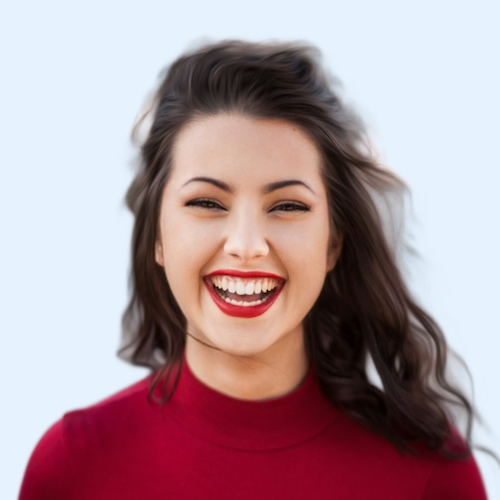
Digital Photo
600×600px JPG
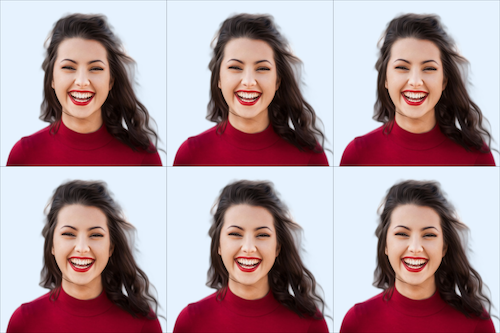
4×6 Print Sheet
6 photos included
We never see your photo
Unlike other services, our AI processes everything and never store your data. We don't know who you are and we also don't care who you are. We have only one mission is to help you easily create your id photo.
Privacy first
US Passport Photo Specifications
Official requirements
| Photo size | 2" × 2" (51 × 51 mm) |
| Digital size | 600 × 600 px (min) to 1200 × 1200 px (max) |
| Background | White |
| Head size | 1 inch to 1 3/8 inches (25mm to 35mm) from chin to crown |
| Glasses | Not allowed |
| Recency | Within 6 months |
| File format | JPEG |
| Max file size | 240 KB |
| Paper type | Glossy or Matte |
| Printable | Yes |
| Digital submission | Yes |
The Glasses Rule
Since November 2016, glasses are not allowed in US passport photos — no exceptions unless you have a signed medical statement. This is the #1 reason photos get rejected.
How It Works
Get your perfect passport photo in under 3 minutes
1. Take or upload a photo
Use any selfie or photo. No special setup needed — our AI handles the rest.
2. AI processes your photo
Background removal, perfect cropping, and compliance check — all automatic in seconds.
What You Can and Can't Wear
Allowed
- Normal, everyday clothing
- Religious head coverings (with signed statement)
- Hearing aids
- Natural smile (mouth closed)
- Light makeup
Not Allowed
- Glasses (any kind)
- Hats, caps, beanies
- Headphones or earbuds
- Uniforms or camouflage
- Big smiles showing teeth
Common Reasons Photos Get Rejected
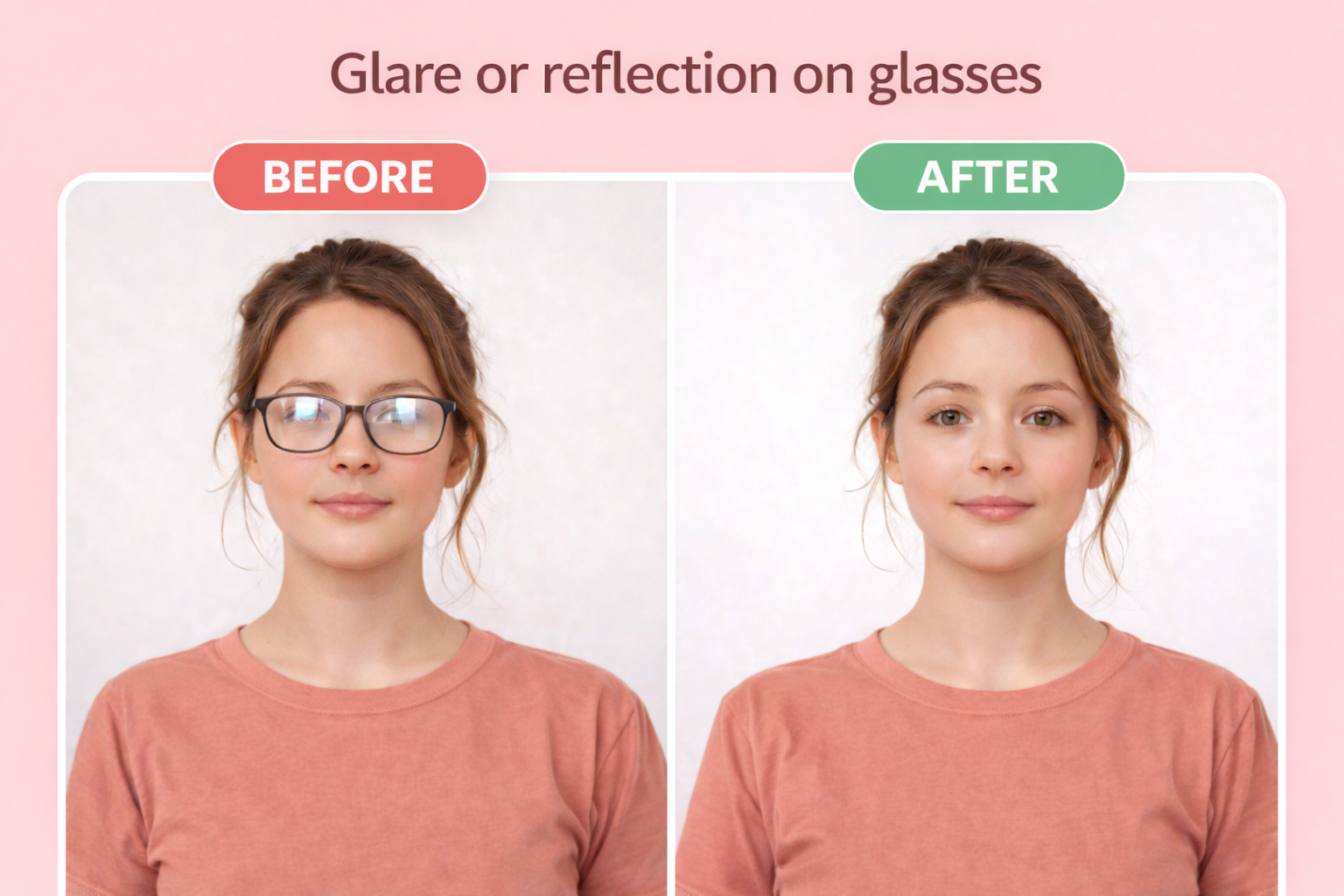
Glasses
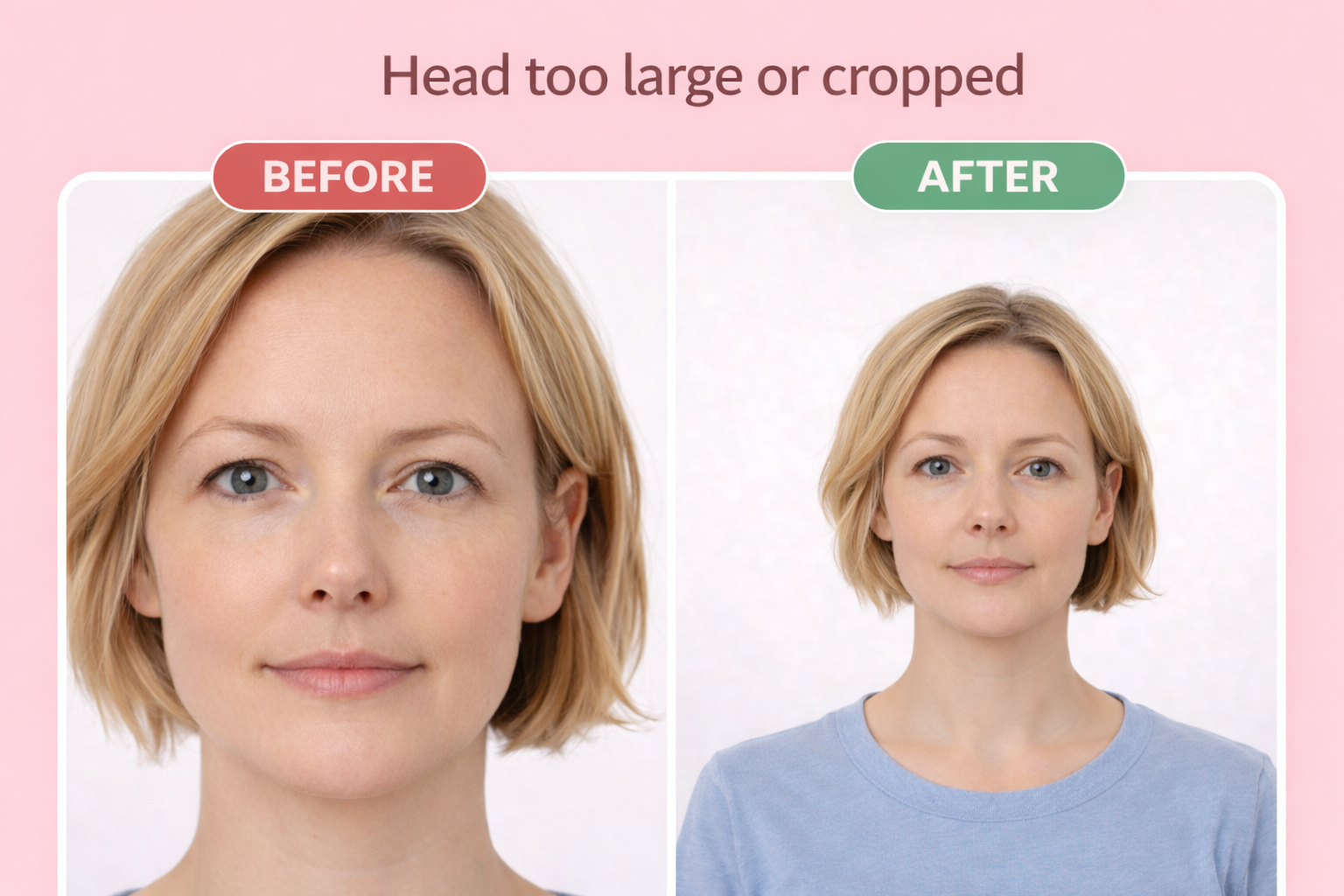
Wrong head size
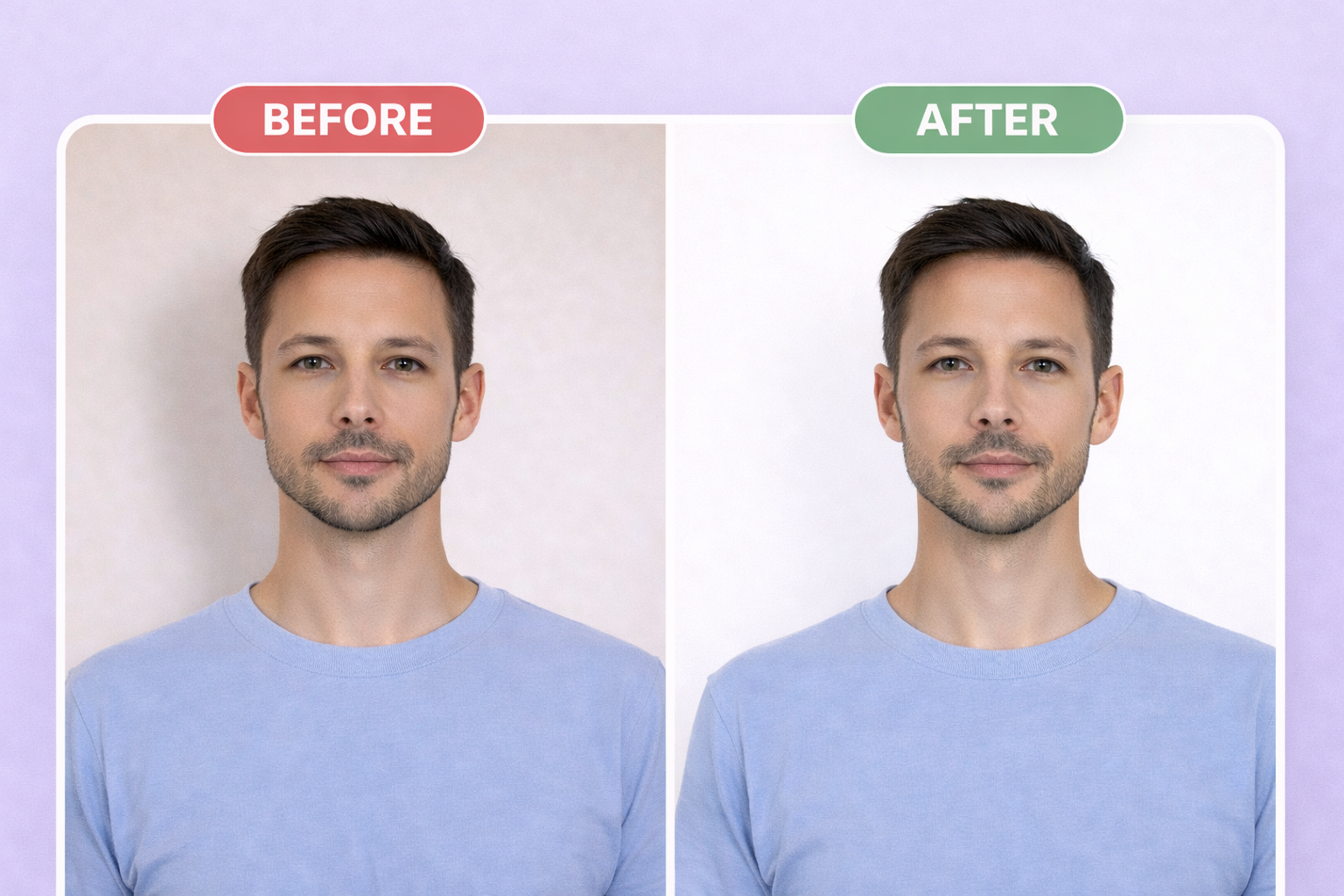
Wrong background
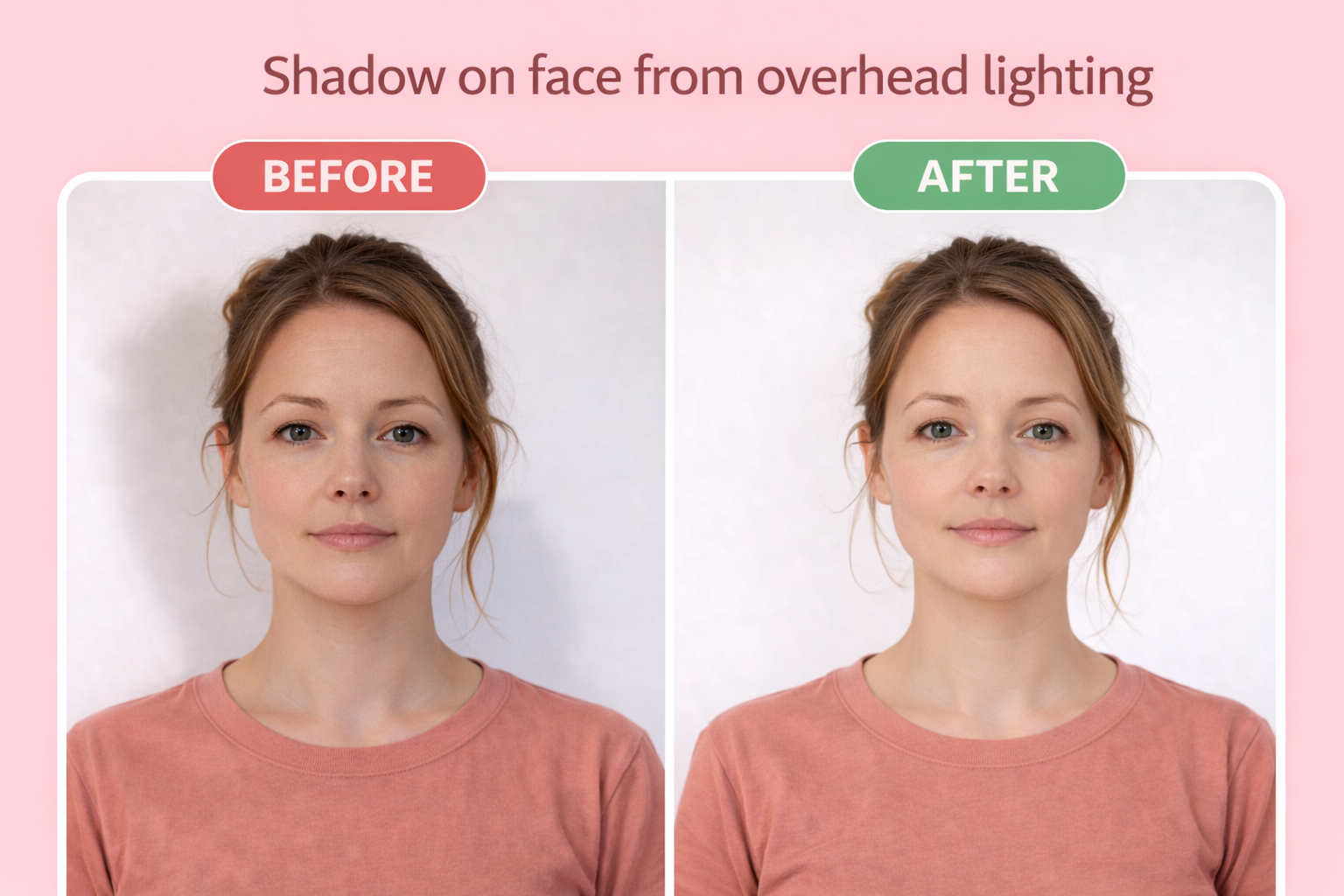
Shadow on face
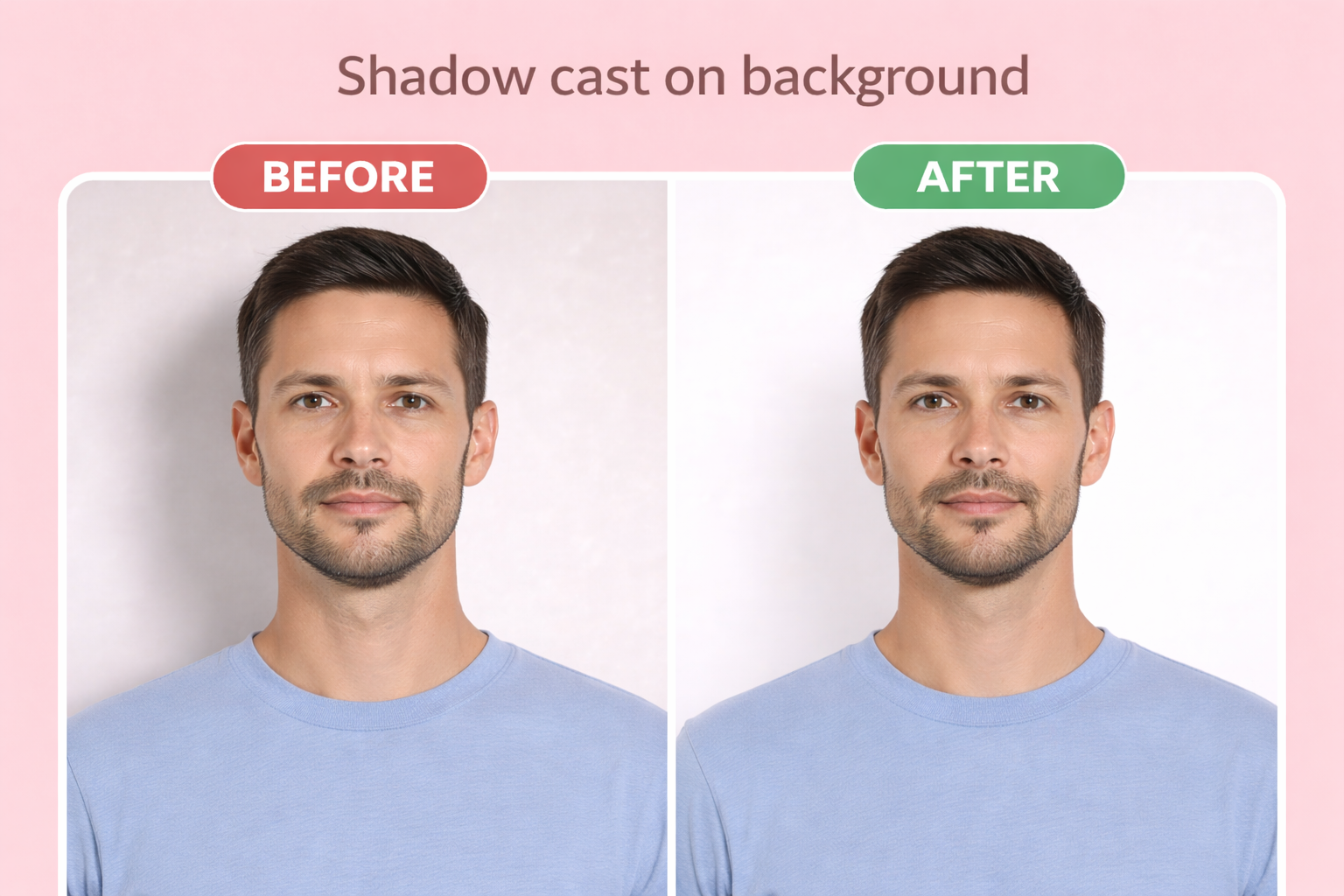
Shadow on background
Wearing glasses — Eyeglasses are not allowed unless you have a signed doctor's statement for medical necessity. This rule applies to ALL glasses including clear lenses.
Wrong head size — Head must measure 1 to 1-3/8 inches (25-35mm) from chin to top of head. Too close or too far from camera causes rejection.
Non-white background — Background must be plain white or off-white with no shadows, texture, or lines. Gray or cream backgrounds are rejected.
Photo too old — Must be taken within the last 6 months showing your current appearance. Significant weight changes or new facial hair may require a new photo.
Digital alterations — Using filters, retouching, or AI to modify your appearance will cause rejection. Background removal and cropping are allowed.
Shadows on face or background — Uneven lighting creates shadows that obscure facial features. Use natural daylight or multiple light sources.
Red eye or closed eyes — Both eyes must be fully open, looking directly at the camera, with no red-eye effect.
Blurry or grainy photo — Photo must be in sharp focus. Low resolution phone cameras or movement during capture causes blur.
Printing Your Photo
For mail-in applications, print your photo on 4×6 photo paper at any drugstore. Our download includes a print-ready template with multiple photos — you only need 2 for most applications.
Use glossy or matte photo paper, not regular printer paper. When printing, select "actual size" or "no scaling" to ensure the photos are exactly 2" × 2" (51 × 51 mm).
| Paper size | 4×6 inches |
| Paper type | Glossy or matte photo paper |
| Print quality | 300 DPI minimum |
Where to print
- CVS Photo ~$0.35
- Walgreens ~$0.35
- Walmart ~$0.25
- Costco(membership required) ~$0.17
Digital Submission Requirements
For online applications, you'll upload a digital photo directly. Our tool exports photos that meet all digital requirements automatically.
| File format | JPEG |
| Dimensions | 600×600px to 1200×1200px |
| Max file size | 240 KB |
| Min file size | 54 KB |
| Aspect ratio | Square (1:1) |
Passport Photo Cost Comparison
See how much you can save compared to traditional passport photo services:
| Service | Price | Photos Included | Wait Time | Retakes |
|---|---|---|---|---|
| OneDollarPassportPhoto.com Best Value | $1.00 | Digital + Print Sheet | 2 minutes | Unlimited |
| CVS Photo | $16.99 | 2 prints | ~1 hour | Limited |
| Walgreens | $16.99 | 2 prints | ~1 hour | Limited |
| Walmart | $7.44 | 2 prints | Same day | Limited |
| USPS | $15.00 | 2 prints | Same day | Limited |
| AAA (members) | $15.00 | 2 prints | Same day | Limited |
Print at home: After creating your photo with us, print at CVS, Walgreens, or Walmart for just ~$0.35. Total cost: $1.35 for multiple photos instead of $15-17.
Frequently Asked Questions
Can I wear glasses in my US passport photo?
No. Since November 2016, you must remove all eyeglasses for US passport photos. The only exception is if you have a signed statement from a doctor explaining why you cannot remove them (such as recovering from eye surgery). This applies to prescription glasses, sunglasses, and even clear fashion glasses.
What size is a US passport photo?
US passport photos must be exactly 2×2 inches (51×51mm). The head must measure between 1 inch and 1-3/8 inches (25-35mm) from chin to the top of the head. Digital photos must be 600×600 to 1200×1200 pixels in square format.
Can I smile in my passport photo?
You can have a natural, relaxed smile but your mouth must be closed. Wide smiles showing teeth are not accepted. The State Department requires a neutral facial expression with both eyes open.
Can I take my own passport photo with my phone?
Yes! You can take a passport photo with any smartphone with a decent camera. Use natural lighting, stand against a white wall, and have someone else take the photo or use a tripod. Our tool will crop and format it to exact State Department specifications.
How recent does my passport photo need to be?
Your photo must be taken within the last 6 months. It should reflect your current appearance. If you've had significant changes (different hair color, grown/shaved a beard, lost/gained weight), you need a new photo.
What digital format is required for online passport renewal?
For online renewal, submit a JPEG file that is 600×600 to 1200×1200 pixels, between 54KB and 10MB, in square (1:1) aspect ratio. Our tool automatically formats your photo to these exact specifications.
Can I wear a head covering in my passport photo?
Only if it's for religious purposes. You must submit a signed statement verifying that the head covering is part of recognized traditional religious attire that you wear continuously in public. Medical head coverings also require a signed doctor's statement.
How much does a passport photo cost at Walgreens, CVS, or Walmart?
Walgreens charges $14.99, CVS charges $16.99, and Walmart charges $7.44 for passport photos. With our tool, you get a compliant photo for just $1, and you can print it yourself at any drugstore for about $0.35.
Ready to create your passport photo?
Compliant photo in 2 minutes. Only $1.
or drag and drop your photo here
Supports JPG, PNG • Max 10MB
Need photos for the whole family? Get everyone on one sheet for $6
Related Guides
📋 Requirements
📸 How-to
🖨️ Printing
❌ Troubleshooting
📝 Application
Related Documents
Official source: https://travel.state.gov/content/travel/en/passports/how-apply/photos.html