Philippines Passport Photo Requirements: Complete 2026 Guide
Official Philippines passport photo requirements from the DFA. Learn the correct size (35x45mm), white background rules, and how to get a compliant photo in the US or Philippines.
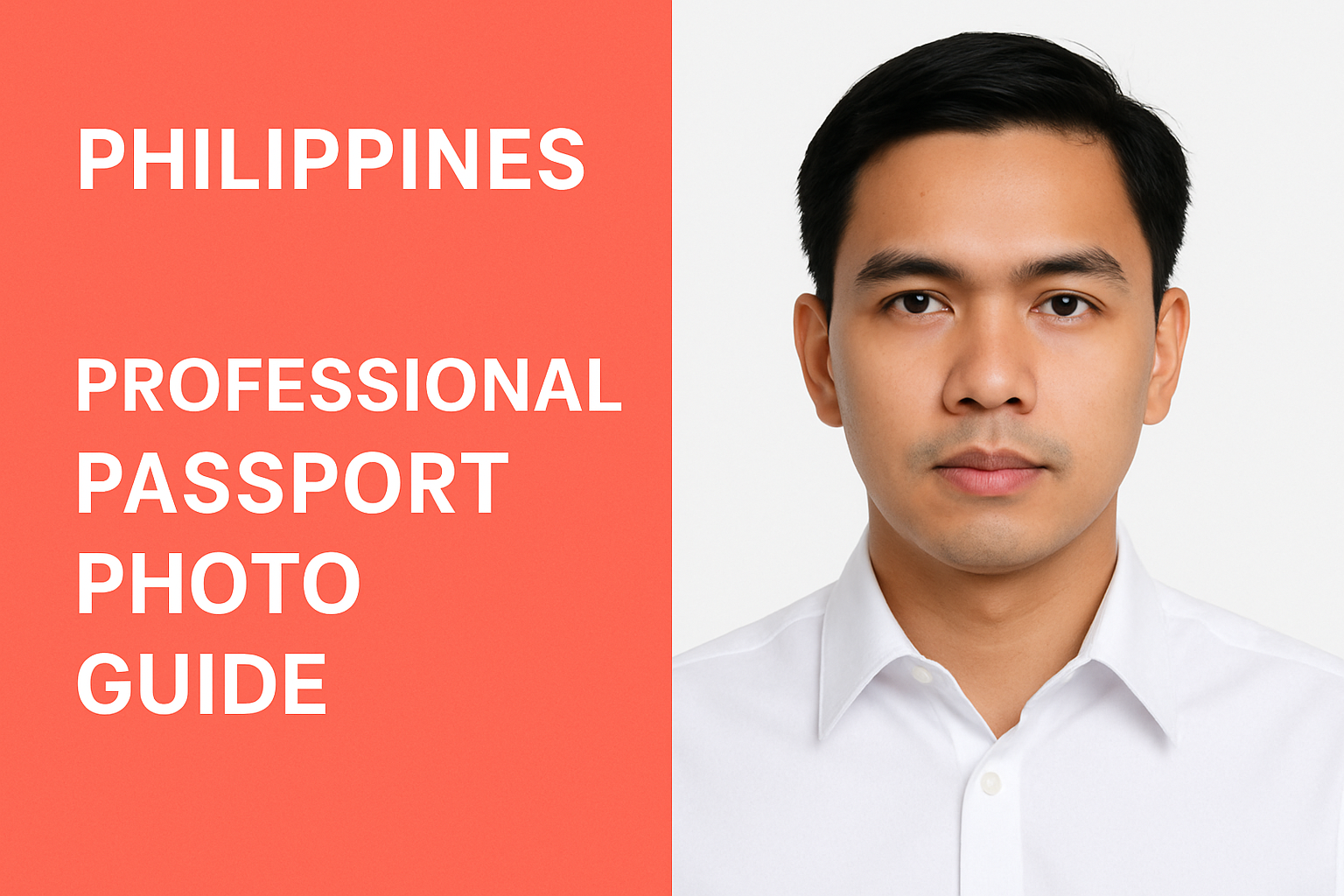
Applying for a Philippine passport? Whether you’re in the Philippines or abroad, you need a photo that meets the Department of Foreign Affairs (DFA) requirements exactly. Getting it wrong means delays, rejection, and extra trips.
This guide covers everything you need to know about Philippine passport photos in 2026 — the official specifications, common mistakes, and how to get a compliant photo without the hassle.
Philippine Passport Photo Requirements at a Glance
Here’s what the DFA requires for passport photos:
| Requirement | Specification |
|---|---|
| Size | 35mm × 45mm (1.38” × 1.77”) |
| Background | White |
| Photo type | Color, glossy or matte |
| Recency | Taken within last 6 months |
| Face coverage | 70-80% of photo height |
| Expression | Neutral, mouth closed |
| Eyes | Open, looking at camera |
| Glasses | Not allowed |
Detailed Photo Specifications
Size and Dimensions
Philippine passport photos must be:
- Width: 35mm (1.38 inches)
- Height: 45mm (1.77 inches)
- Orientation: Portrait (vertical rectangle)
- Head size: Face should occupy 70-80% of the photo height
This is the standard European biometric passport photo size used by many countries worldwide.
Background Requirements
The DFA is strict about backgrounds:
- Color: Pure white only
- Texture: Plain, no patterns or gradients
- Shadows: None allowed on the background
- Objects: Nothing visible behind you
Gray, blue, or off-white backgrounds will be rejected. Make sure your background is evenly lit with no shadows.
Face and Expression
Your face must be:
- Position: Centered and looking directly at camera
- Expression: Neutral (no smiling)
- Mouth: Closed
- Eyes: Both eyes open and clearly visible
- Head angle: Straight, not tilted or turned
- Face coverage: Chin to crown visible
The DFA uses biometric scanning, so your face must be in the exact position required for the system to process it correctly.
What You Cannot Wear
The following items are NOT allowed in Philippine passport photos:
| Item | Allowed? | Notes |
|---|---|---|
| Glasses | ❌ No | Even prescription glasses |
| Sunglasses | ❌ No | Never allowed |
| Hats/caps | ❌ No | Must remove |
| Headbands | ❌ No | Unless religious |
| Earphones/AirPods | ❌ No | Remove all ear devices |
| Face masks | ❌ No | Face must be visible |
| Colored contact lenses | ❌ No | Natural eye color only |
Religious Head Coverings
If you wear a head covering for religious reasons (hijab, turban, etc.), you may keep it on, but:
- Your full face must be clearly visible from hairline to chin
- The covering cannot cast shadows on your face
- You may need to submit a written statement explaining the religious requirement
Clothing Guidelines
While there’s no strict dress code, follow these guidelines:
- ✅ Wear dark colors — contrast better with white background
- ✅ Solid colors — avoid busy patterns
- ❌ Avoid white — blends with background
- ❌ No uniforms — military, police, or work uniforms not allowed
- ❌ No sleeveless — at least cap sleeves recommended
Where to Get Philippine Passport Photos
In the Philippines
DFA Offices: Most DFA consular offices have photo booths on-site. This is the most reliable option since they know the exact requirements.
Photo Studios: Many malls have passport photo services. Specify “DFA passport photo” to get the correct size.
Prices: Typically ₱100-200 ($2-4 USD)
In the United States
Getting a Philippine passport photo in the US requires more effort since most drugstores default to US specifications.
Philippine Consulate: Some consulates offer photo services, but you’ll need an appointment.
Professional Photographers: Find one familiar with international passport specifications. Call ahead to confirm they can do 35×45mm.
CVS/Walgreens: These don’t offer Philippine passport size by default. You’d need to request custom sizing or print yourself.
DIY Option: Take your own photo and use One Dollar Passport Photo to format it correctly. Select “Philippines” and “Passport” — the tool handles the 35×45mm sizing automatically.
In Other Countries
Filipino communities worldwide often have photographers familiar with DFA requirements. Check with your local Philippine embassy or consulate for recommendations.
Taking Your Own Philippine Passport Photo
You can take your own photo at home if you follow these steps:
What You Need
- Smartphone with good camera (rear camera preferred)
- White wall or white backdrop
- Natural light from a window (or ring light)
- Tripod or someone to take the photo
- Dark-colored, solid top
Step-by-Step Process
- Set up background: Stand 6 inches from a white wall
- Position lighting: Face a window for even, soft light. Avoid overhead lights that cast shadows
- Camera position: Eye level, 4-6 feet away
- Take the shot: Look directly at camera, neutral expression, both eyes open
- Review: Check for shadows, red-eye, blurriness
- Process: Upload to One Dollar Passport Photo
- Print: Use photo paper, glossy or matte finish
Common DIY Mistakes
- ⚠️ Shadow under chin — Light source too high
- ⚠️ Uneven background — Move further from wall
- ⚠️ Blurry photo — Use tripod or steady hands
- ⚠️ Overexposed — Too much light, face washed out
- ⚠️ Wrong size — Not formatting to 35×45mm
Photo Requirements for OFWs
Overseas Filipino Workers (OFWs) renewing passports abroad should note:
- Requirements are the same regardless of where you apply
- Some Philippine Overseas Labor Offices (POLO) offer photo services
- Processing times may vary by embassy/consulate
- Check your specific embassy’s requirements — some have additional documentation needs
Photo Requirements for Minors
For babies and children:
- Same size requirements (35×45mm)
- Baby must be awake with eyes open
- No pacifiers, toys, or hands visible
- Baby can be lying on white sheet (photographed from above)
- Parent/guardian cannot be in photo
- Infant passport photos are valid for 5 years
Tips for baby passport photos:
- Take during alert, calm time (after feeding, before nap)
- Use natural light
- Have someone make faces behind the camera to get attention
- Take many shots — you only need one good one
ePassport vs Regular Passport
The Philippines issues ePassports (electronic passports) with biometric data. Photo requirements are the same, but the photo is digitally captured and embedded in the chip.
If applying online or through DFA’s passport appointment system, you may need to upload a digital photo. Requirements:
- Format: JPEG
- Size: At least 600×600 pixels
- File size: Under 1MB
- Same specifications as physical photo
Common Rejection Reasons
Your passport photo may be rejected if:
- Wrong dimensions — Not 35×45mm
- Non-white background — Gray, blue, or shadowed backgrounds
- Glasses worn — Even clear prescription glasses
- Mouth open or smiling — Expression must be neutral
- Face too small/large — Must be 70-80% of photo height
- Shadows on face — Uneven lighting
- Poor quality — Blurry, pixelated, or low resolution
- Old photo — Must be taken within 6 months
- Digital alterations — No filters, no beauty mode
Passport Photo Checklist
Before submitting, verify your photo meets all requirements:
- Size is exactly 35×45mm
- Background is pure white
- No glasses or head coverings (unless religious)
- Neutral expression, mouth closed
- Both eyes open and visible
- Face centered, looking at camera
- No shadows on face or background
- Recent photo (within 6 months)
- High quality, not blurry
- Printed on photo paper
Frequently Asked Questions
What size is a Philippine passport photo?
Philippine passport photos are 35mm × 45mm (approximately 1.38” × 1.77”). This is a vertical rectangle format.
Can I smile in my Philippine passport photo?
No. DFA requires a neutral expression with your mouth closed. Even a slight smile may cause rejection since it interferes with biometric facial recognition.
Can I wear glasses in my Philippine passport photo?
No. As of recent DFA guidelines, glasses are not permitted in passport photos, even prescription eyeglasses. Remove all eyewear before taking your photo.
How many passport photos do I need for Philippine passport application?
You typically need 2 identical photos for passport applications. However, if applying at a DFA office with on-site photo capture, you may not need to bring photos at all — check your appointment confirmation.
Can I take my own Philippine passport photo at home?
Yes, if you follow all the requirements. Take the photo against a white background with good lighting, then use a tool like One Dollar Passport Photo to crop it to the correct 35×45mm size.
Where can I get Philippine passport photos outside the Philippines?
Options include Philippine consulates (limited), professional photographers who know international passport specs, or DIY using One Dollar Passport Photo. Note that many standard photo services may not offer the 35×45mm format by default.
Get Your Philippine Passport Photo
Don’t risk rejection at the DFA. Use One Dollar Passport Photo to create a photo that meets all Philippine passport requirements. Just select “Philippines” and “Passport” — the tool automatically formats to 35×45mm with white background.
Ready to create your passport photo?
Get a compliant photo in 2 minutes for just $1. No signup required.